Install Dependencies
In this article, we will practice on a Windows machine.
Install NodeJS
- Go to this page to download Node.js v25.8.1
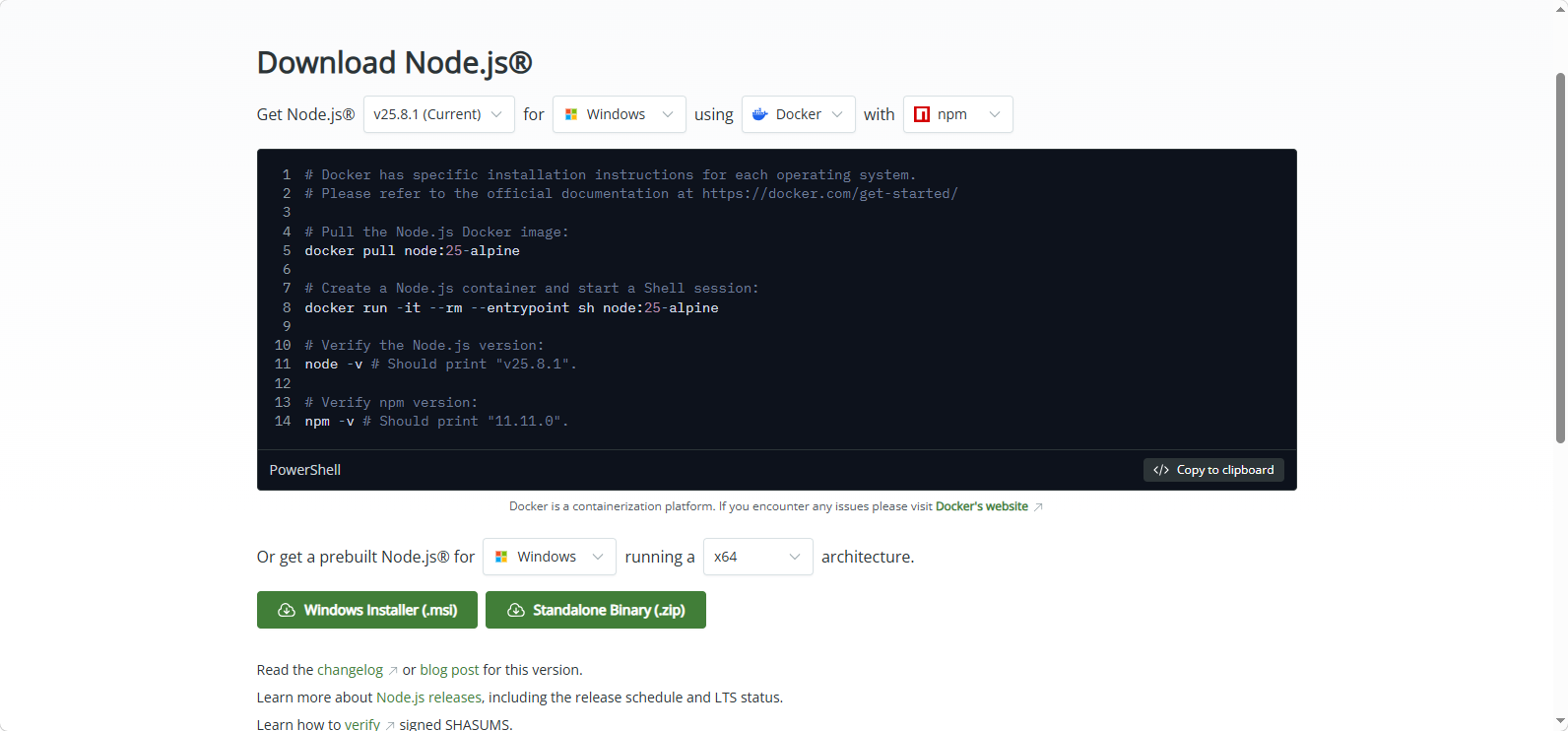
- For better understanding, you should follow the video below to install NodeJS on your personal computer.
Install MySQL Community
Go to this page to download MySQL Community v8.0.45
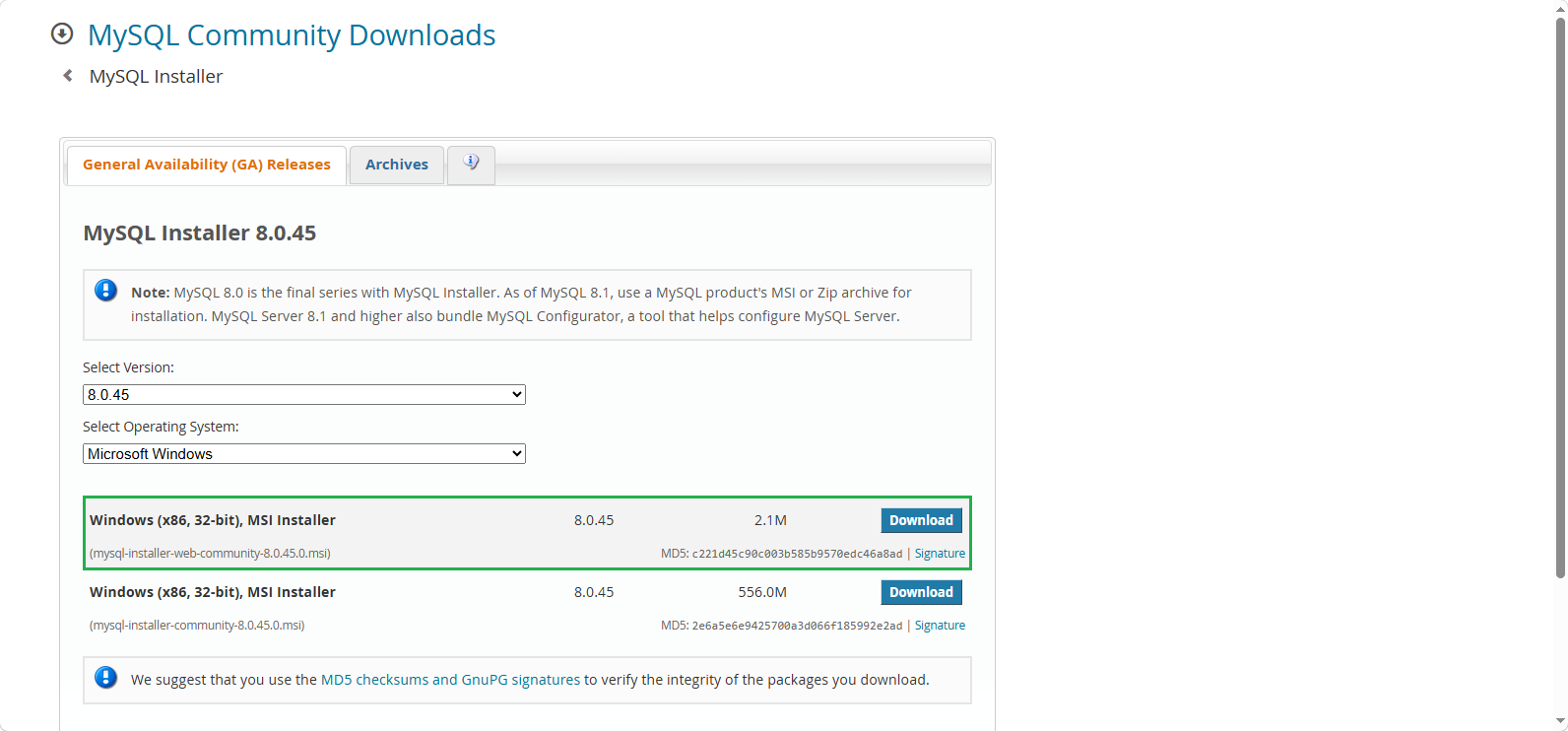
Similarly, watch this video to install MySQL:
Some notes when installing MySQL:
- You should install both MySQL Client and MySQL Server for easier testing. Also, install MySQL Workbench and MySQL Shell, which is a database management system similar to Microsoft SQL Server Management Studio for Microsoft SQL Server. You may need them in some future projects.
- In MySQL, there are two types of users: Root User and other users, each with different roles. Always remember the password for the Root User:
letmein12345, and add a new account when installing MySQL Server.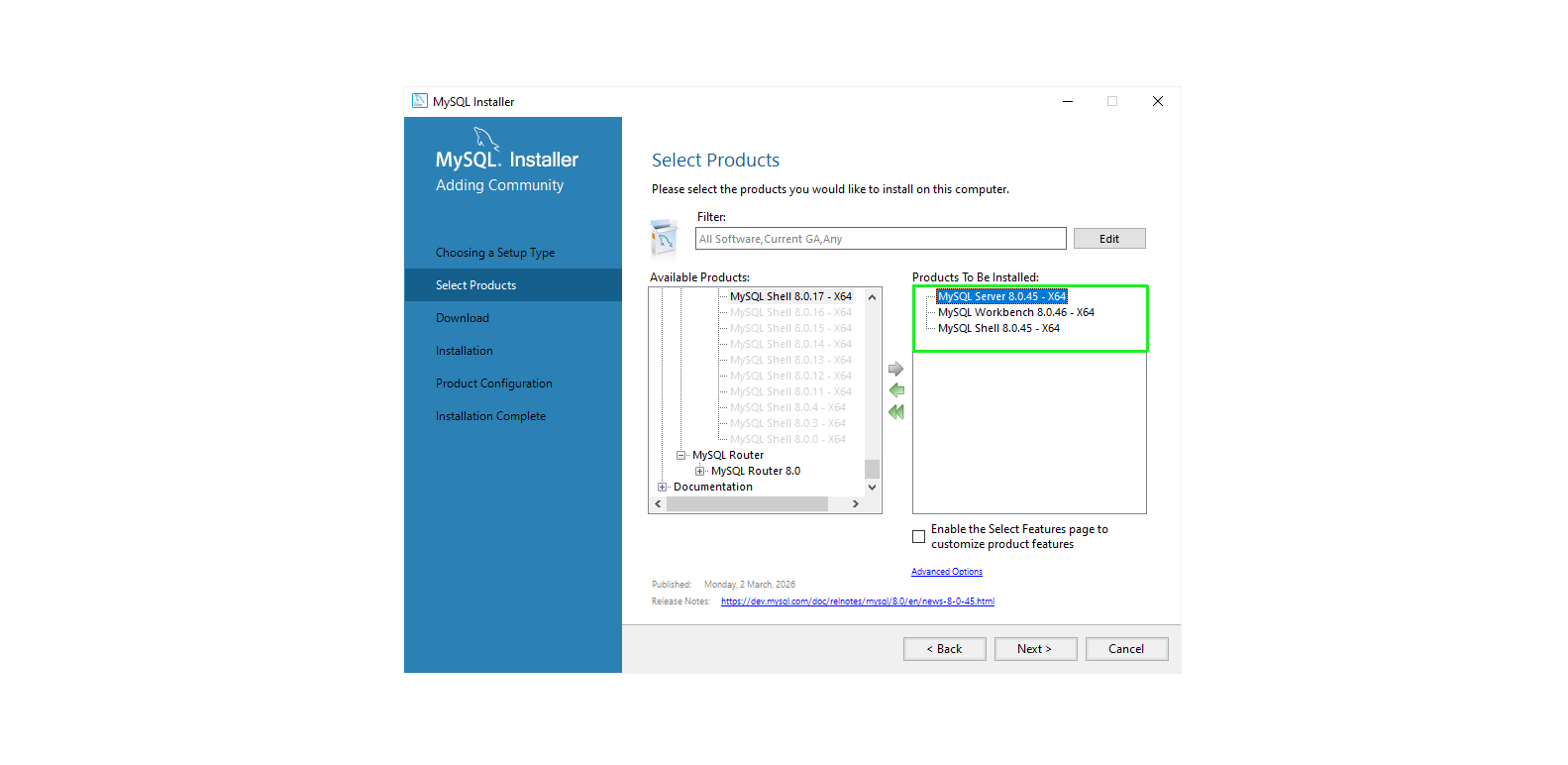
Results
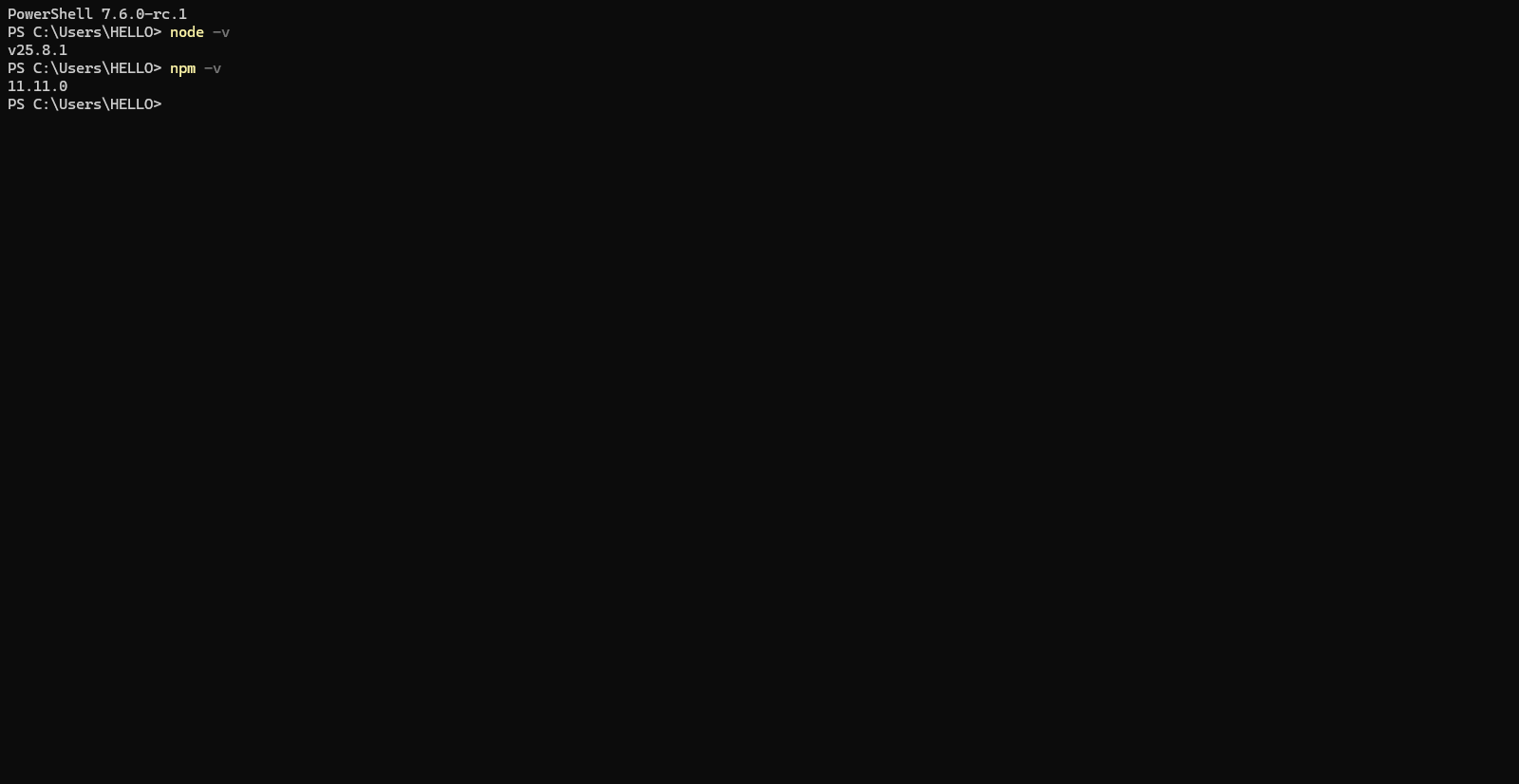
Once NodeJS is installed, npm will also be included in the package. Check whether NodeJS and npm have been successfully installed using the following two commands:
node -v
npm -v
Using MySQL Shell
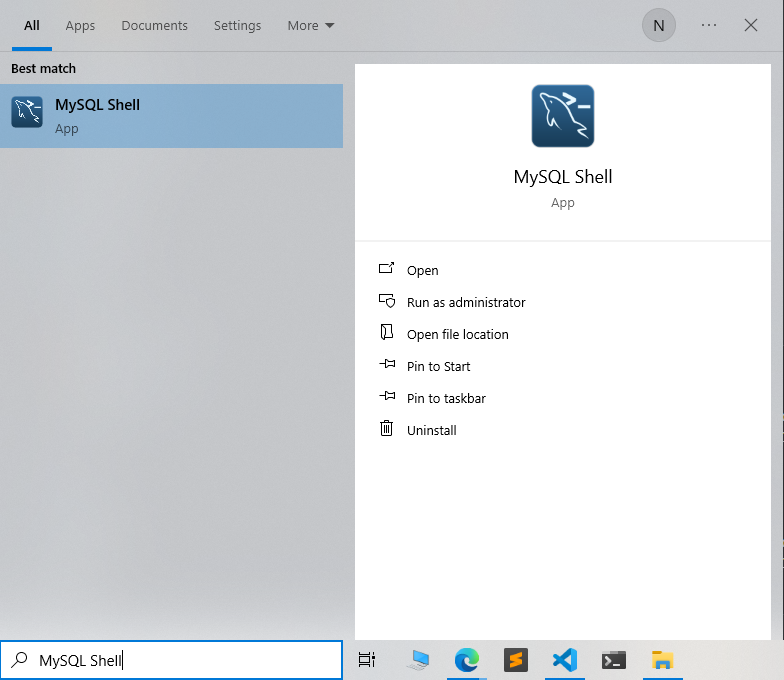
- Search for
MySQL Shellin the Windows search bar, then selectMySQL Shell.
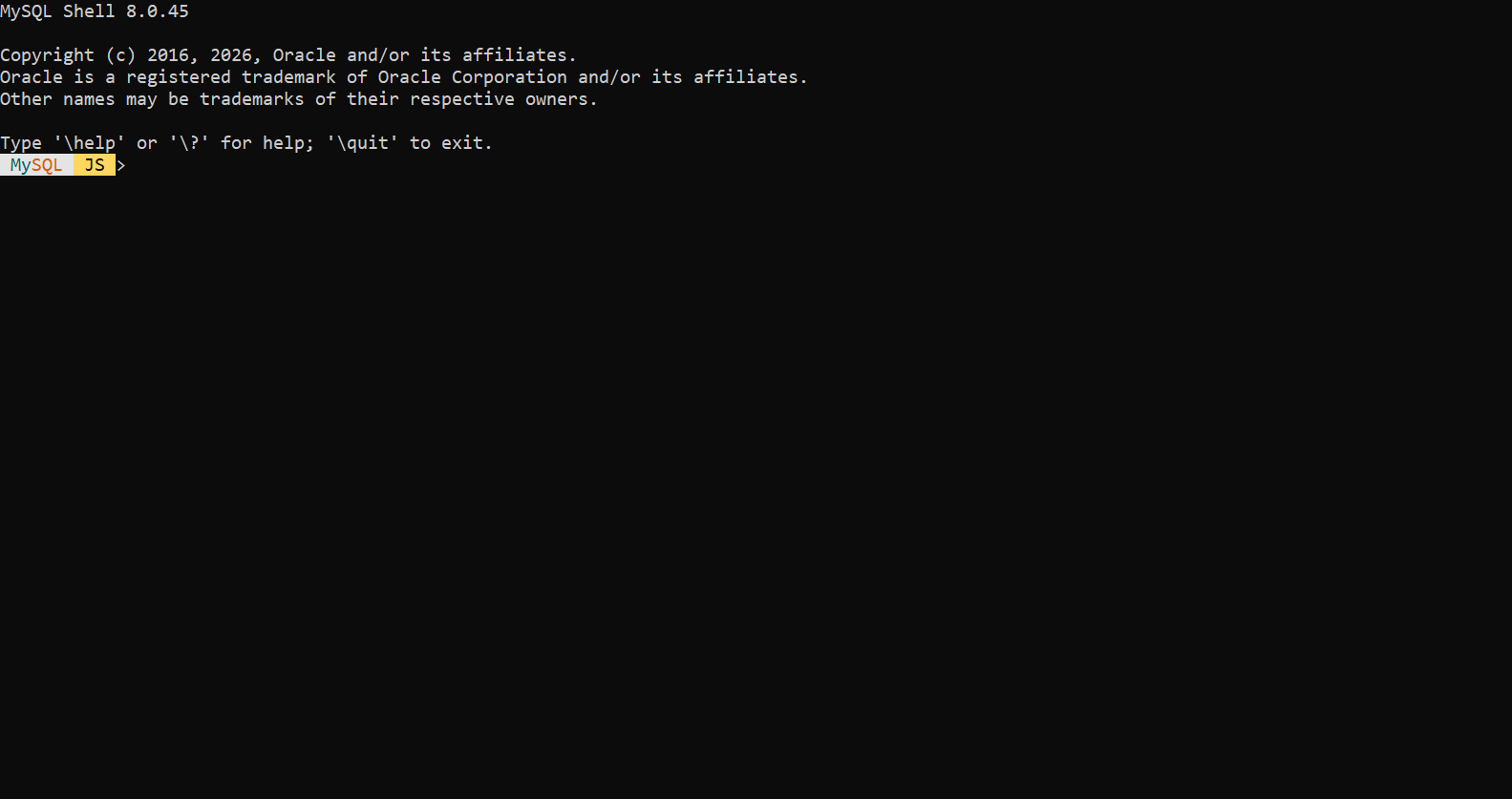
- When opened, you will see the following interface:
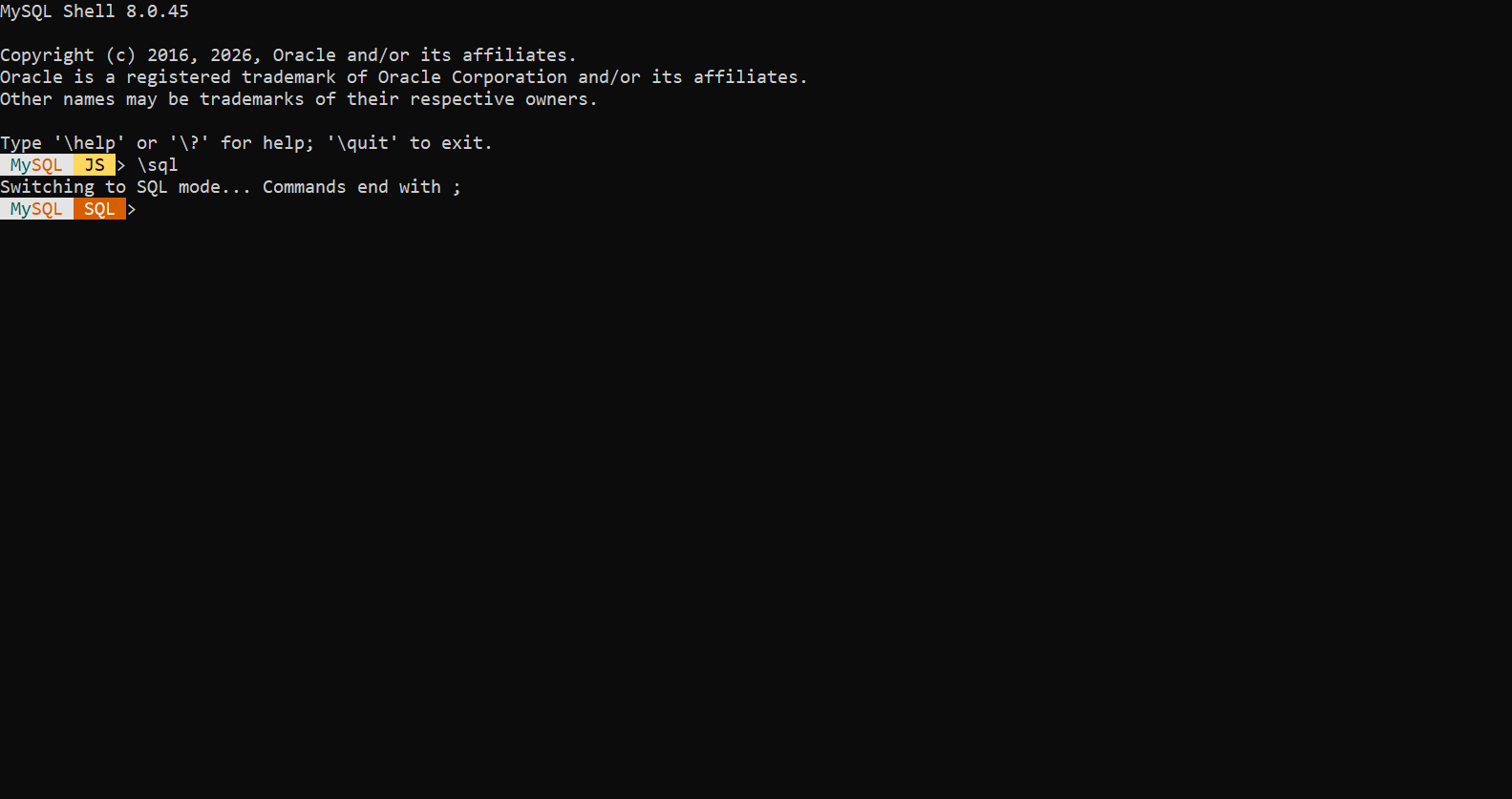
- Type
\sqlto switch the Input Mode to MySQL.
- Then, connect to the MySQL Server by running:
\connect root@localhost
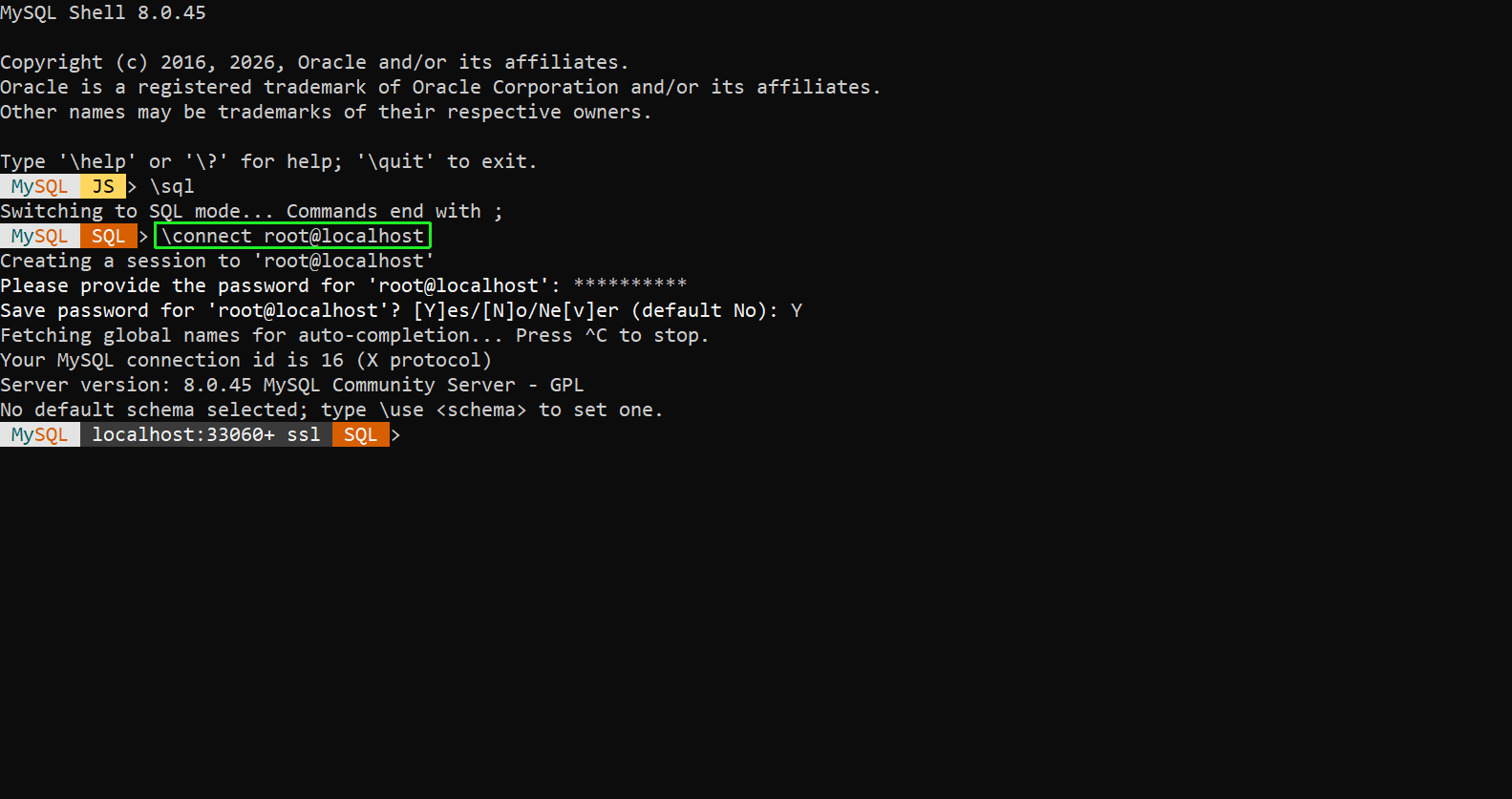
If you didn’t create a user during the MySQL installation, you can connect to the MySQL Server using the Root User. In that case, the connection string will be root@localhost, and don’t forget to enter the Root User password you set during installation.
- Use the
SHOW DATABASES;command to check the result again.
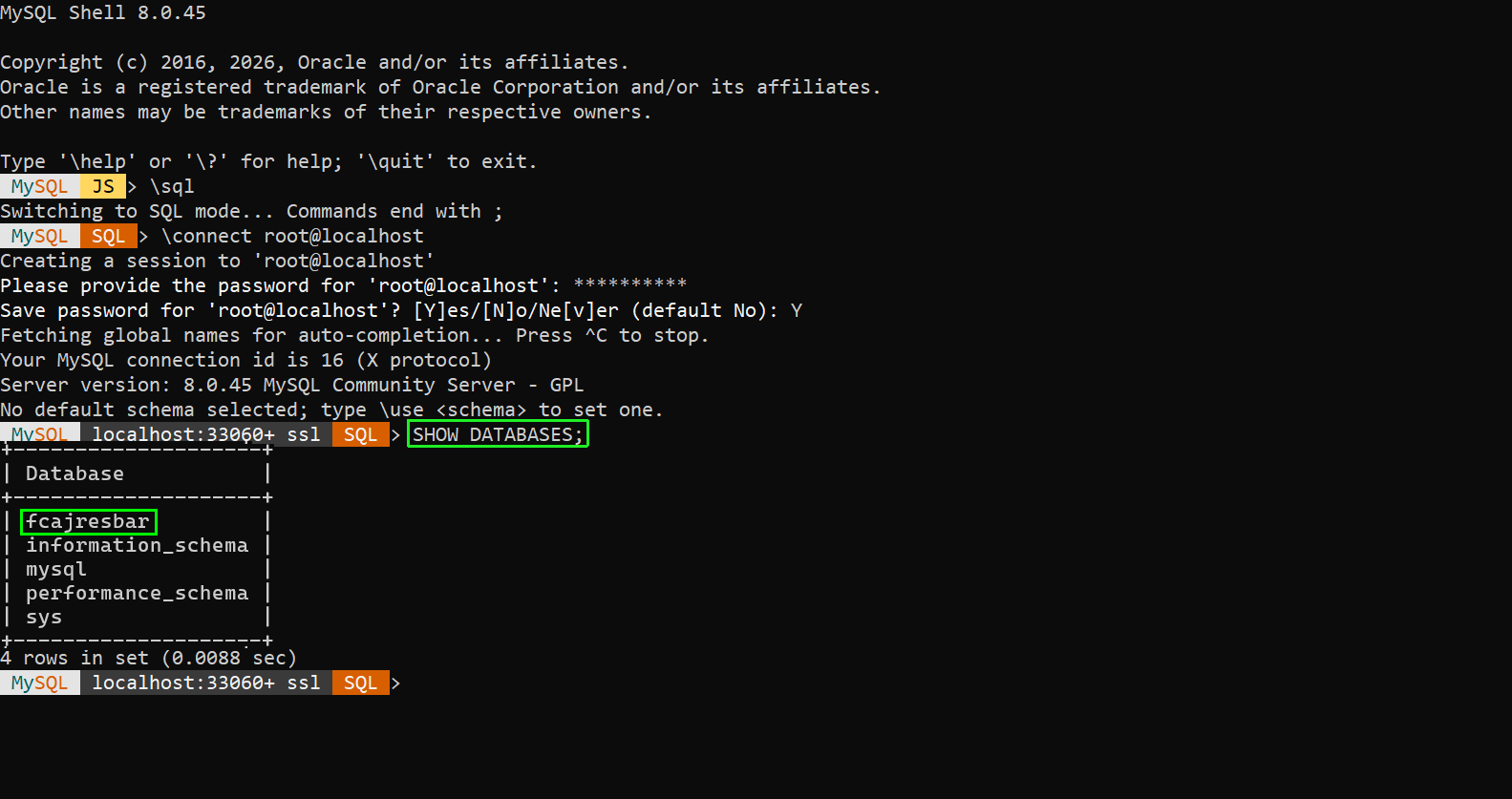
The roles of these four default databases are as follows:
- information_schema: Stores metadata regarding tables, columns, data types, access privileges, etc.
- mysql: Contains user information, privileges, and core system configurations.
- performance_schema: Monitors resources and measures statement execution times and server performance.
- sys: A collection of views and functions that make it easier for users to interpret data from the performance_schema.