Test Application
Check Deployment Results
ℹ️ Information: Before you access http://localhost:5173/, make sure that the npm run dev command is running in both the frontend and backend folders
- We need to go to the URL:
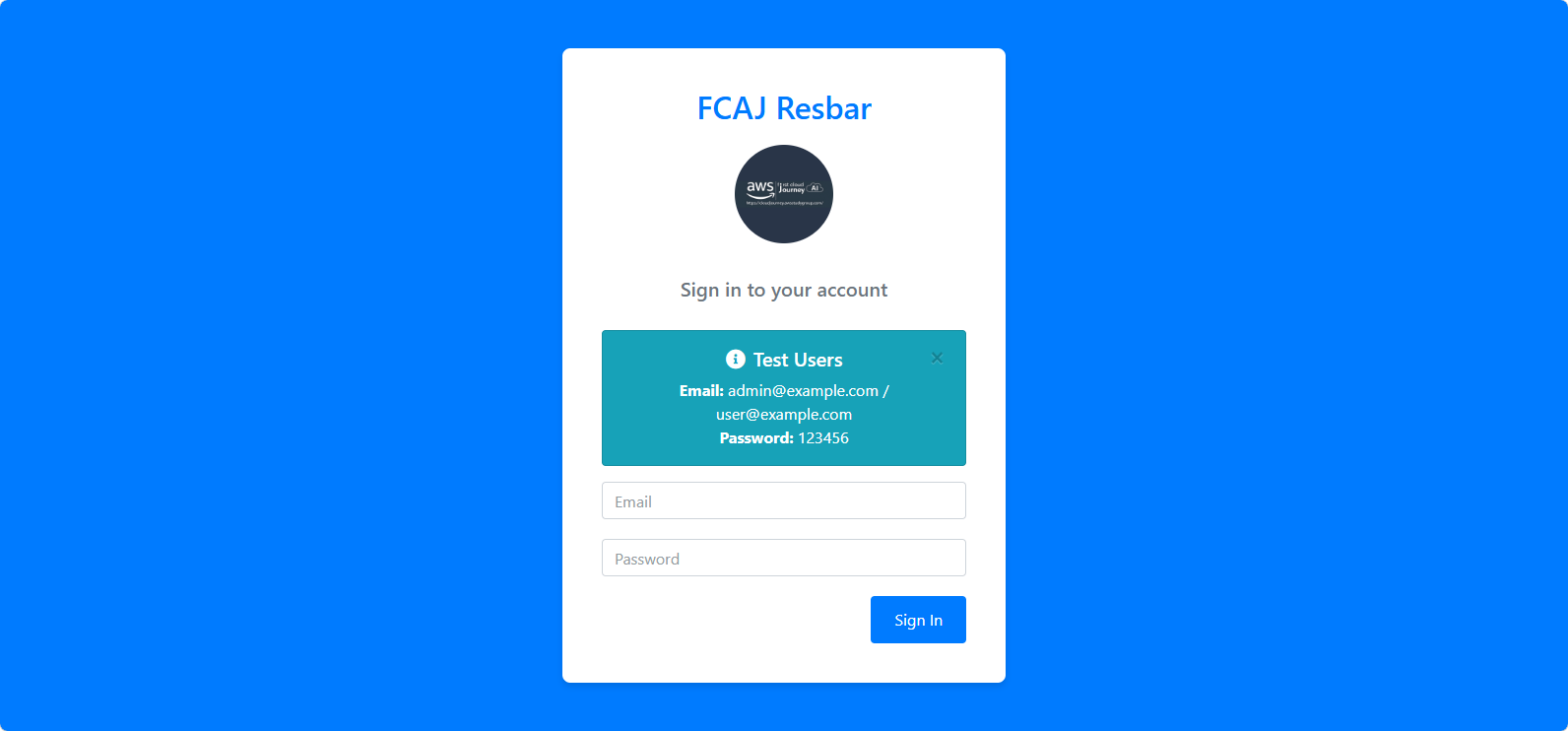
http://localhost:5173. At that point, you will see the following interface:
User Authentication
🔒 Security Note: Use one of the following accounts to log in to the application:
- User: email
user@example.com; password123456. - Admin: email
admin@example.com; password123456.
⚠️ Warning: In a real production environment, you should use AWS IAM Identity Center or Amazon Cognito for more secure authentication.
Check Interface
- After successfully logging in with the admin account, you will see the following content on the website:
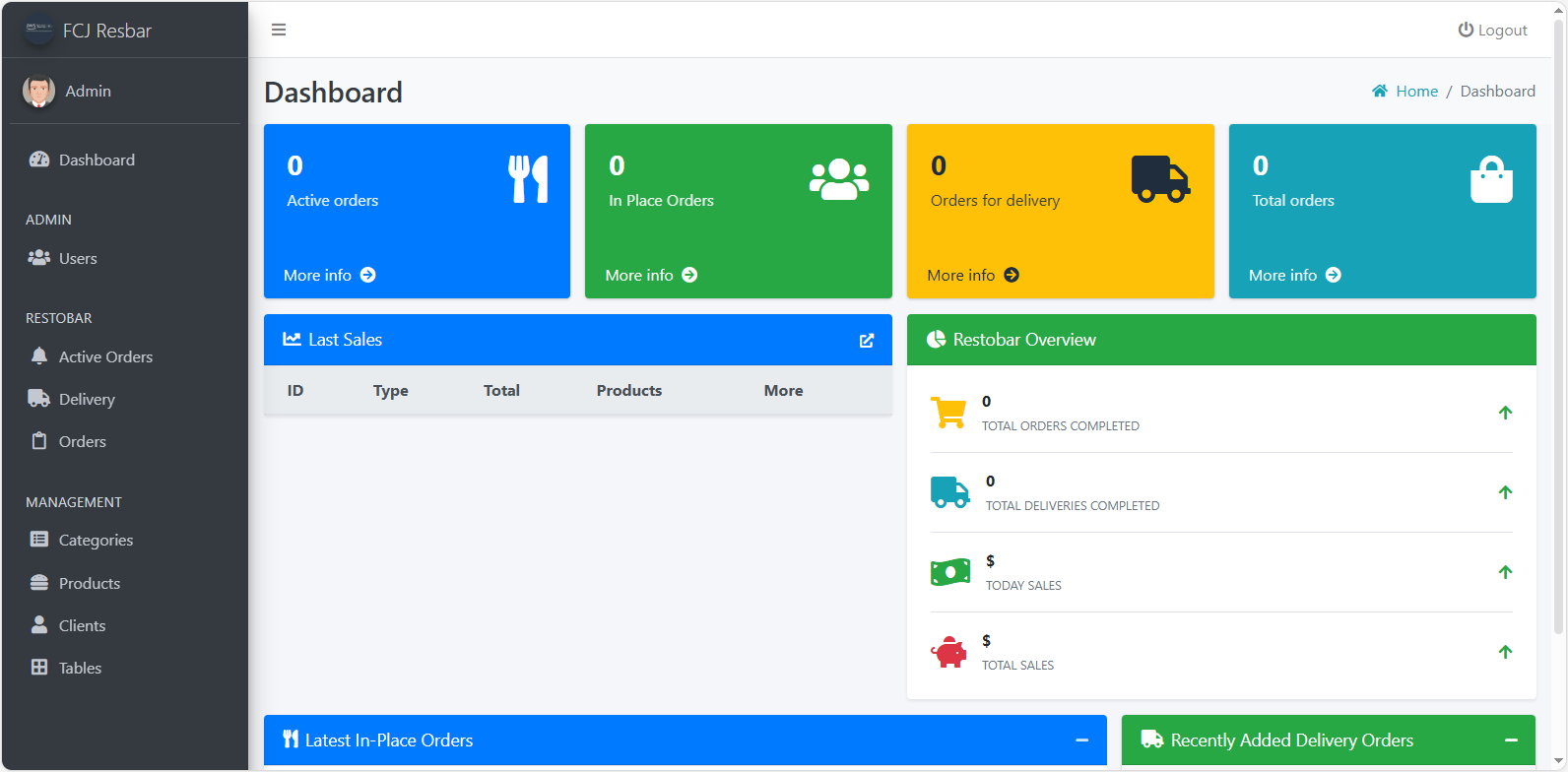
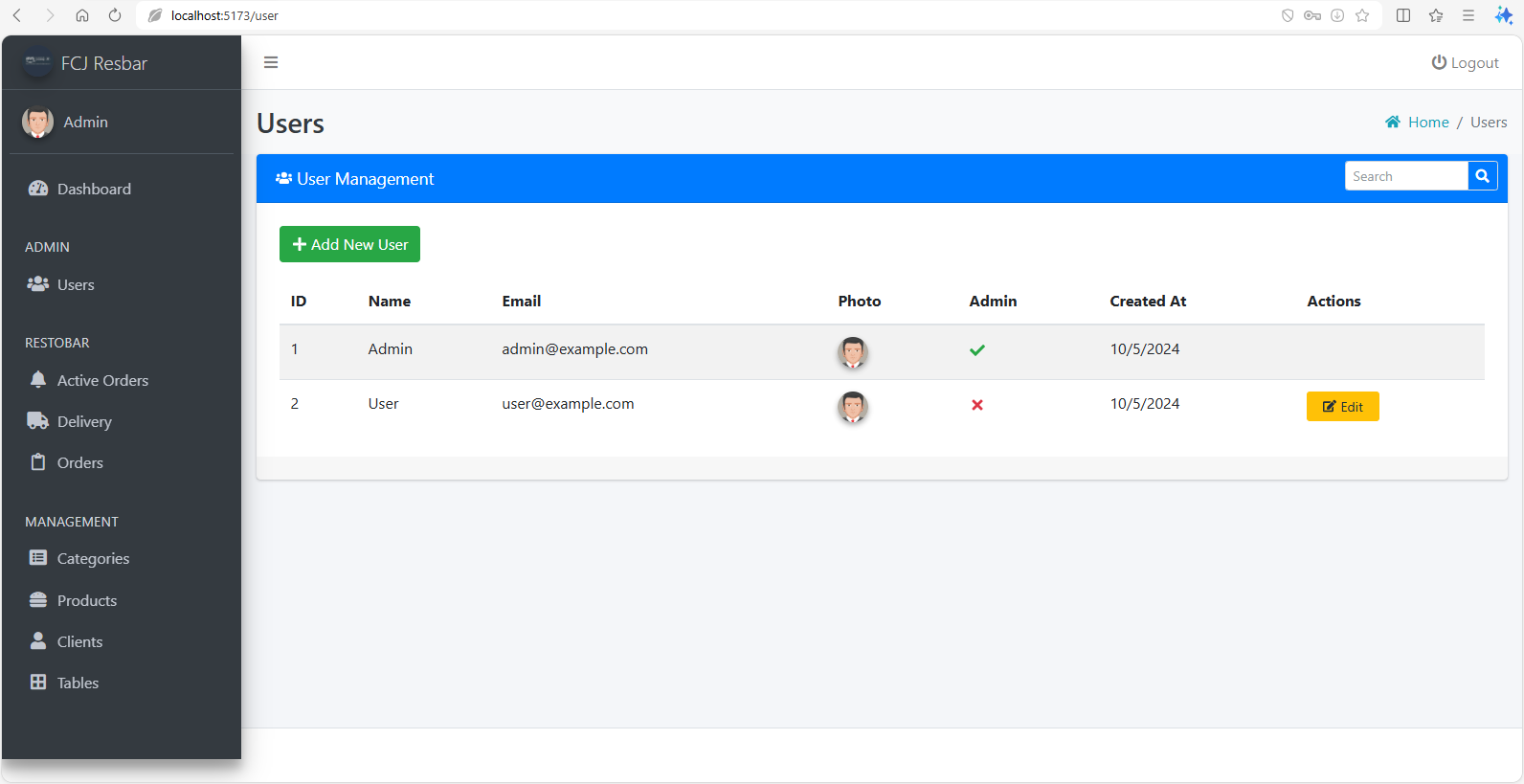
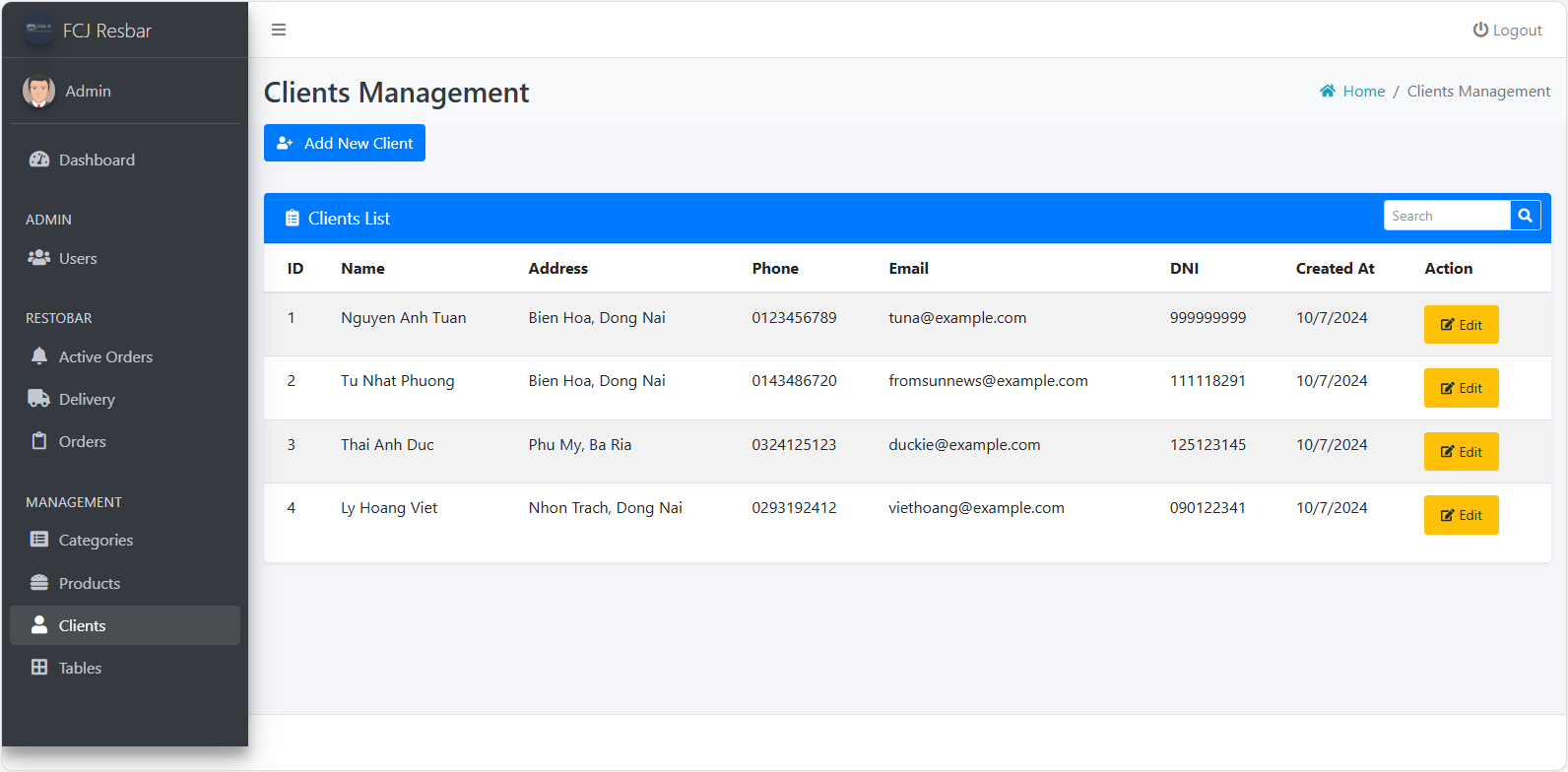
💡 Pro Tip: Take a look at some other pages to check the navigation and display features, such as the Users and Clients pages: