Install required libraries
Connecting to your EC2 Instance via SSH using MobaXterm
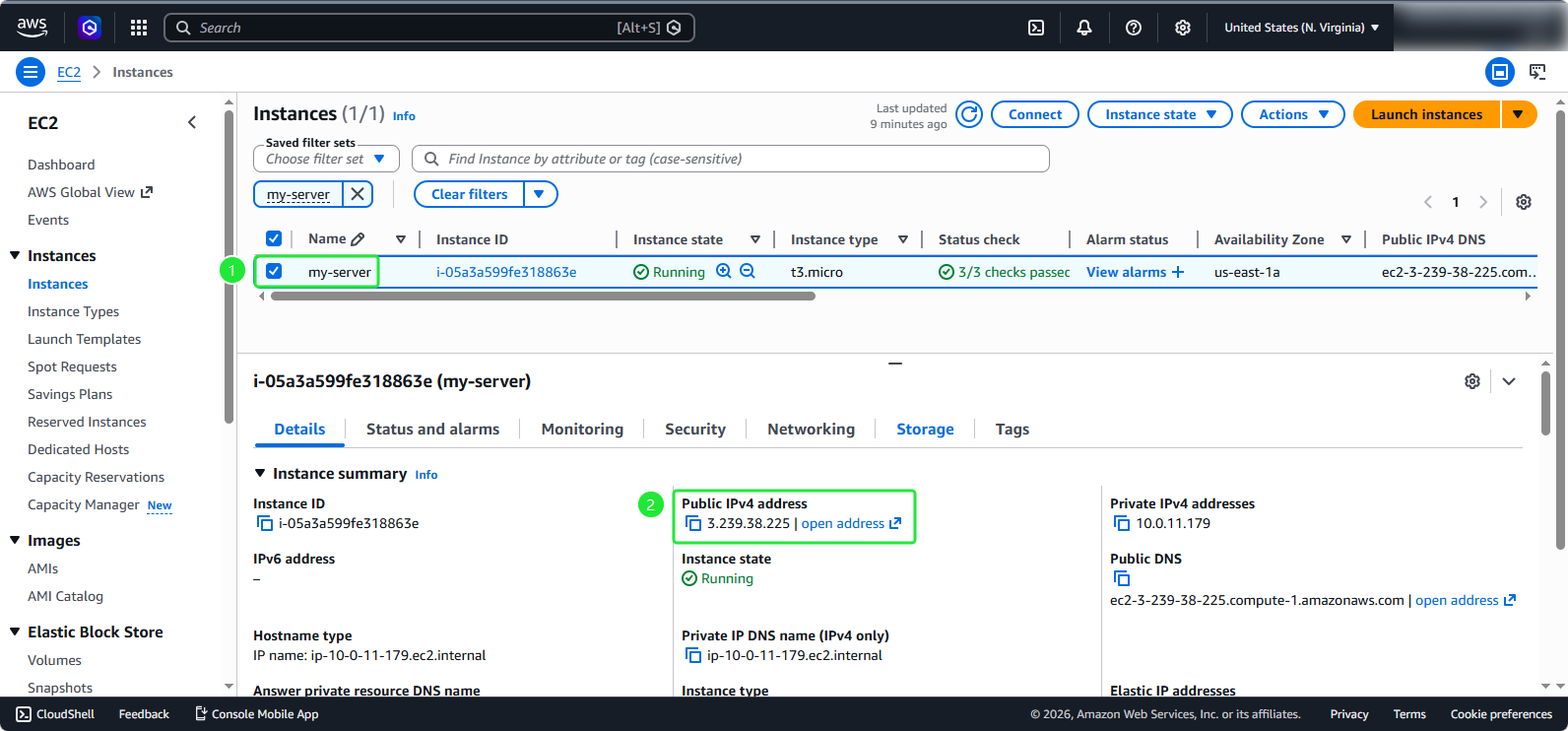
Click to my-server, copy Public IPv4 address
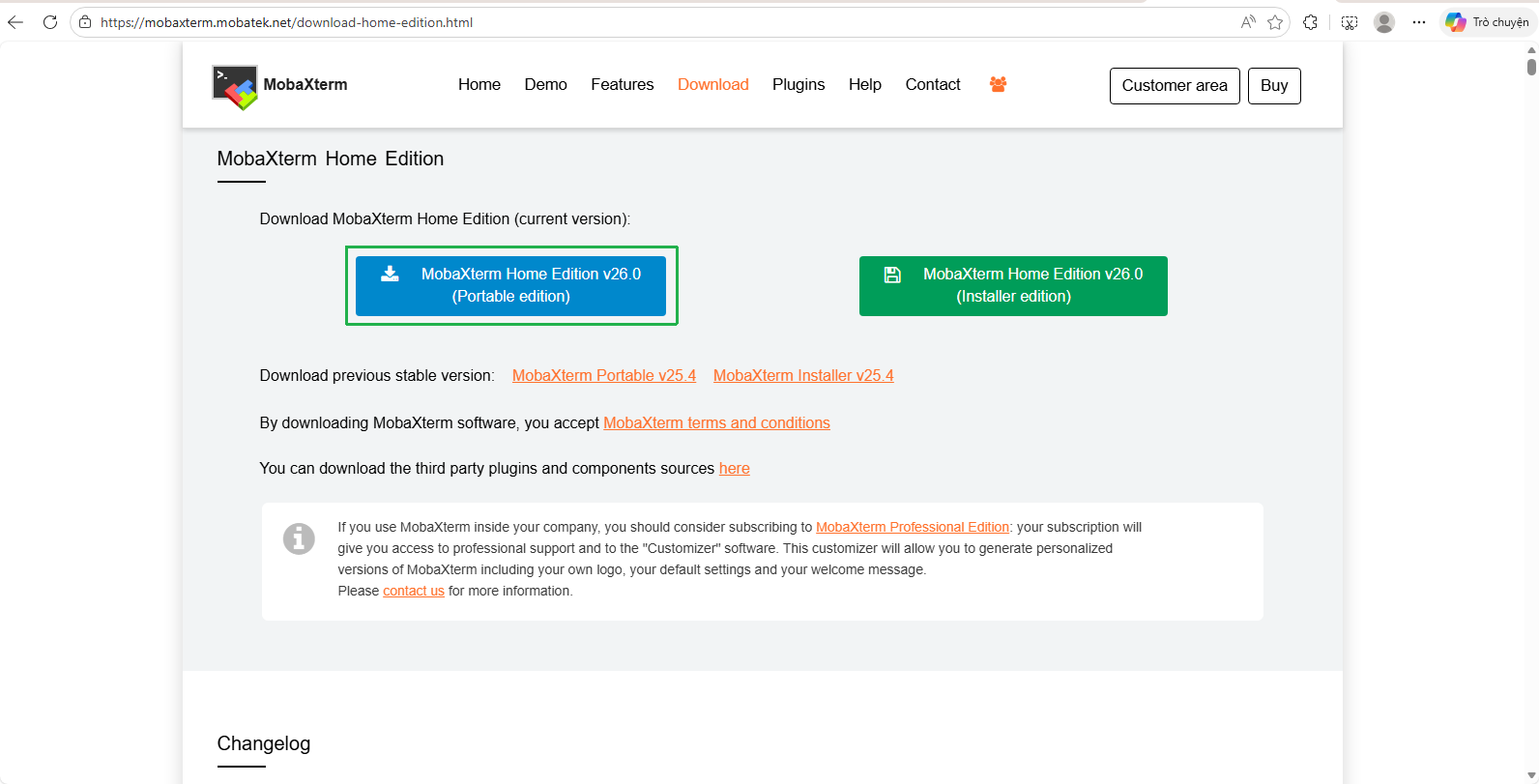
Download MobaXterm to connect to the instance via SSH on port 22
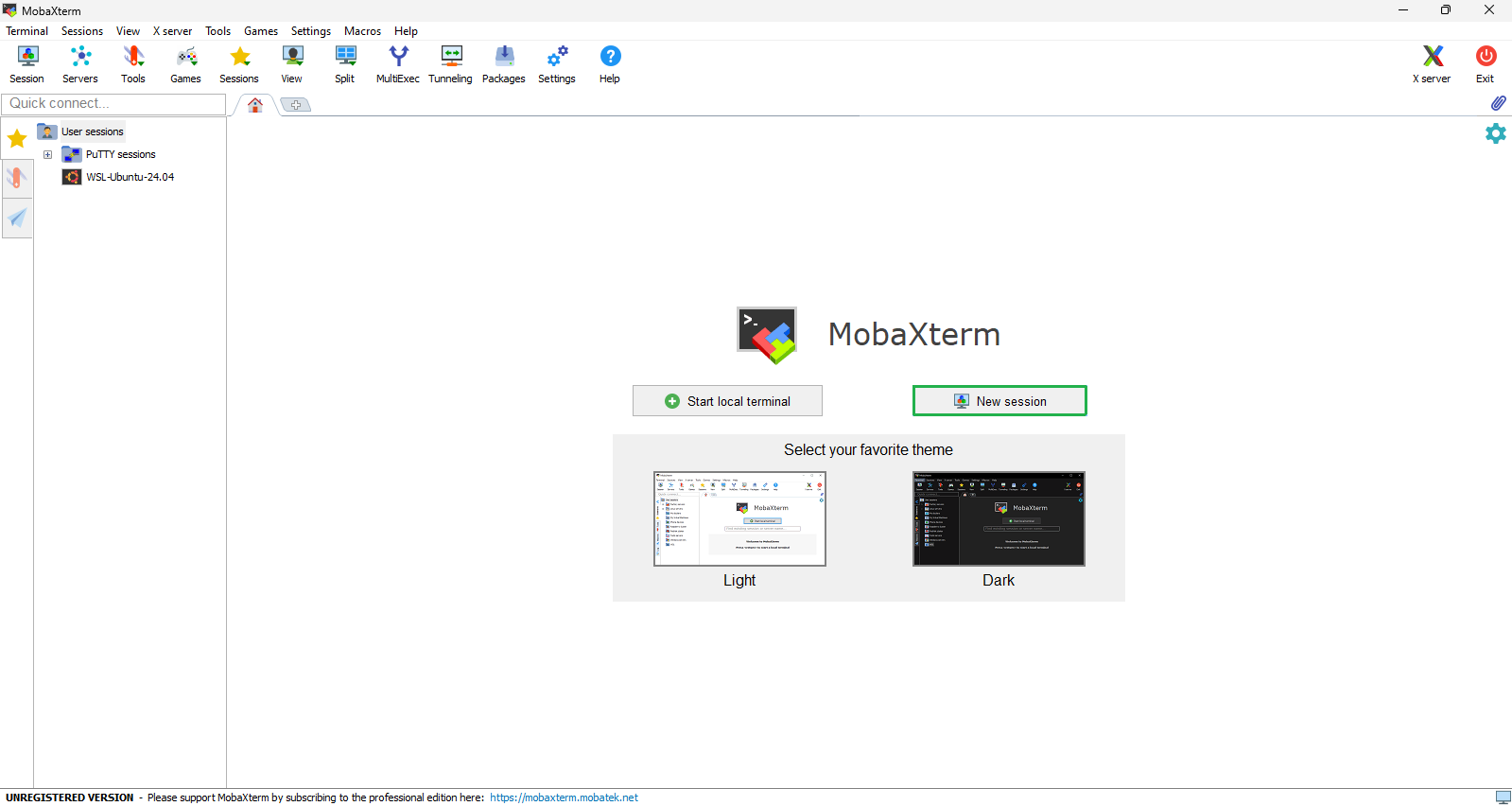
This is the interface of MobaXterm:
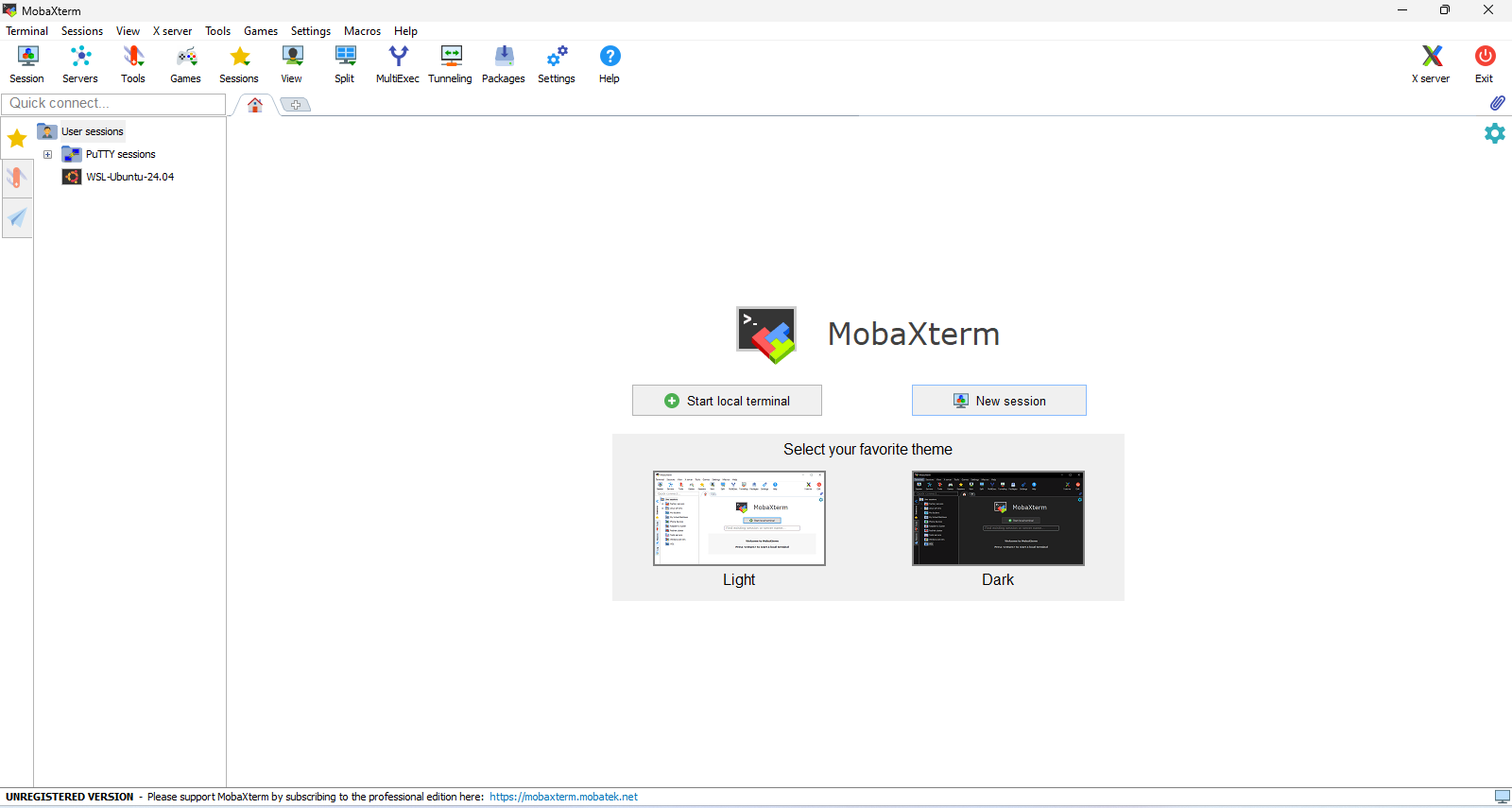
Choose New Session
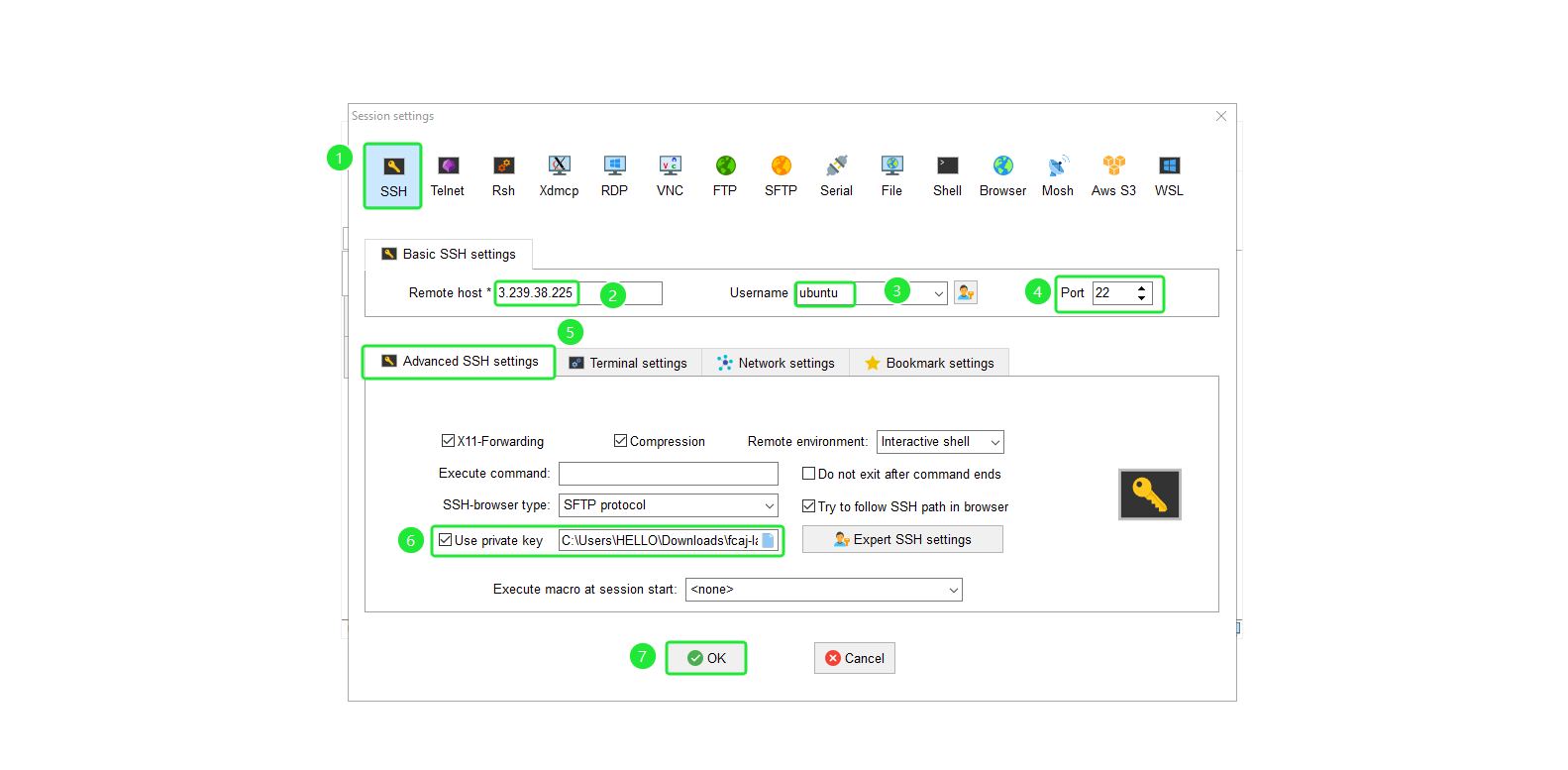
Create a new session in MobaXterm with the following configurations:
- Select SSH
- For Remote host, enter the Public IPv4 address retrieved from the instance
- For Specify username, enter
ubuntu - Verify port 22
- Select Advanced SSH settings
- Select Use private key and select keypair of instance.
- Click OK
Install Docker
- We need to install Docker to deploy applications later. We will use the following commands to install:
sudo mkdir -p /tools/docker && cd /tools/docker
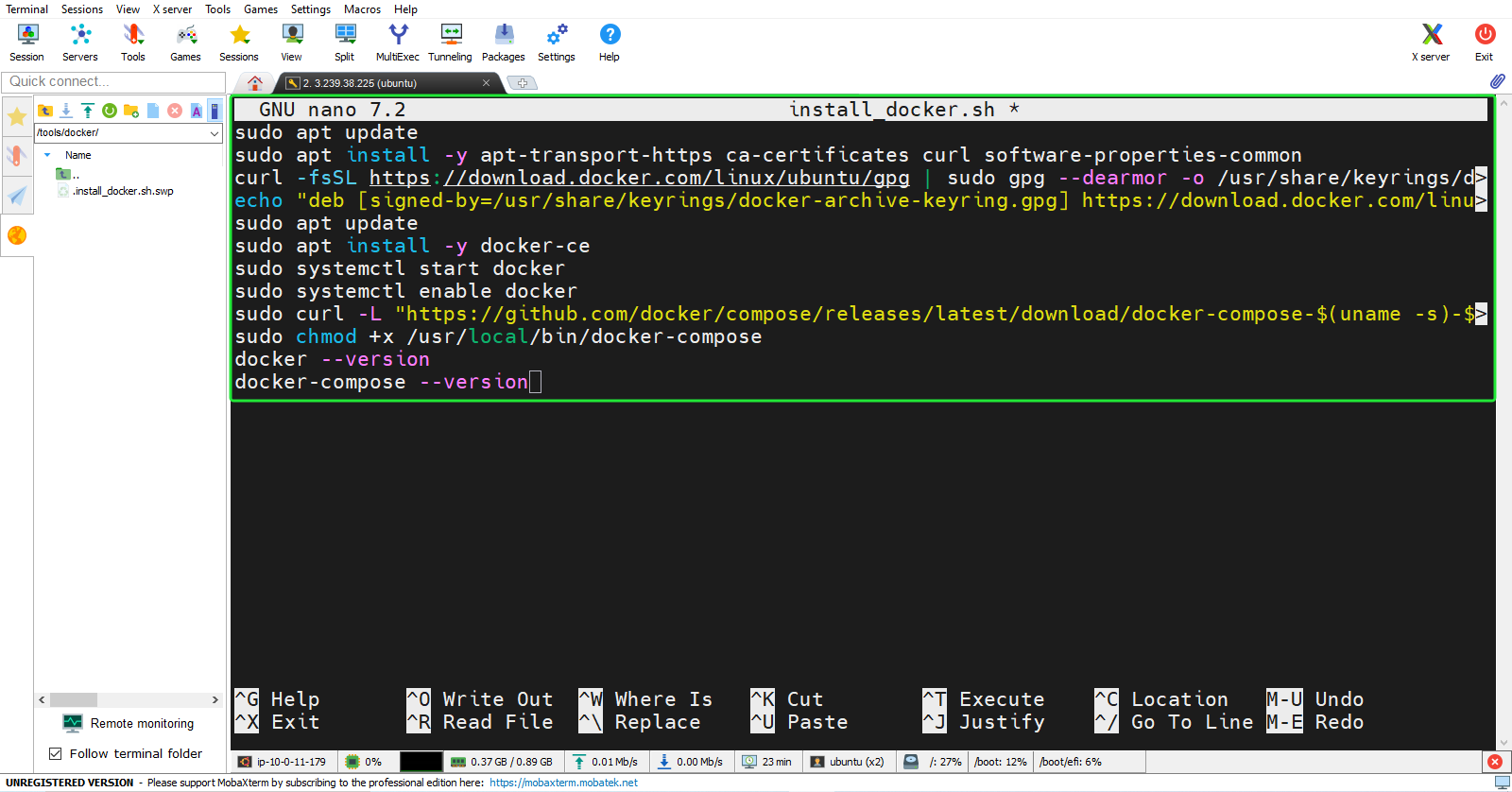
sudo nano install_docker.sh
- Content of the
install_docker.shfile:
#!/bin/bash

sudo apt update
sudo apt install -y apt-transport-https ca-certificates curl software-properties-common
curl -fsSL https://download.docker.com/linux/ubuntu/gpg | sudo gpg --dearmor -o /usr/share/keyrings/docker-archive-keyring.gpg
echo "deb [signed-by=/usr/share/keyrings/docker-archive-keyring.gpg] https://download.docker.com/linux/ubuntu $(lsb_release -cs) stable" | sudo tee /etc/apt/sources.list.d/docker.list > /dev/null
sudo apt update
sudo apt install -y docker-ce
sudo systemctl start docker
sudo systemctl enable docker
sudo curl -L "https://github.com/docker/compose/releases/latest/download/docker-compose-$(uname -s)-$(uname -m)" -o /usr/local/bin/docker-compose
sudo chmod +x /usr/local/bin/docker-compose
sudo usermod -aG docker ubuntu
newgrp docker
docker --version
docker-compose --version
- Run the script:
sudo chmod +x install_docker.sh
sudo ./install_docker.sh
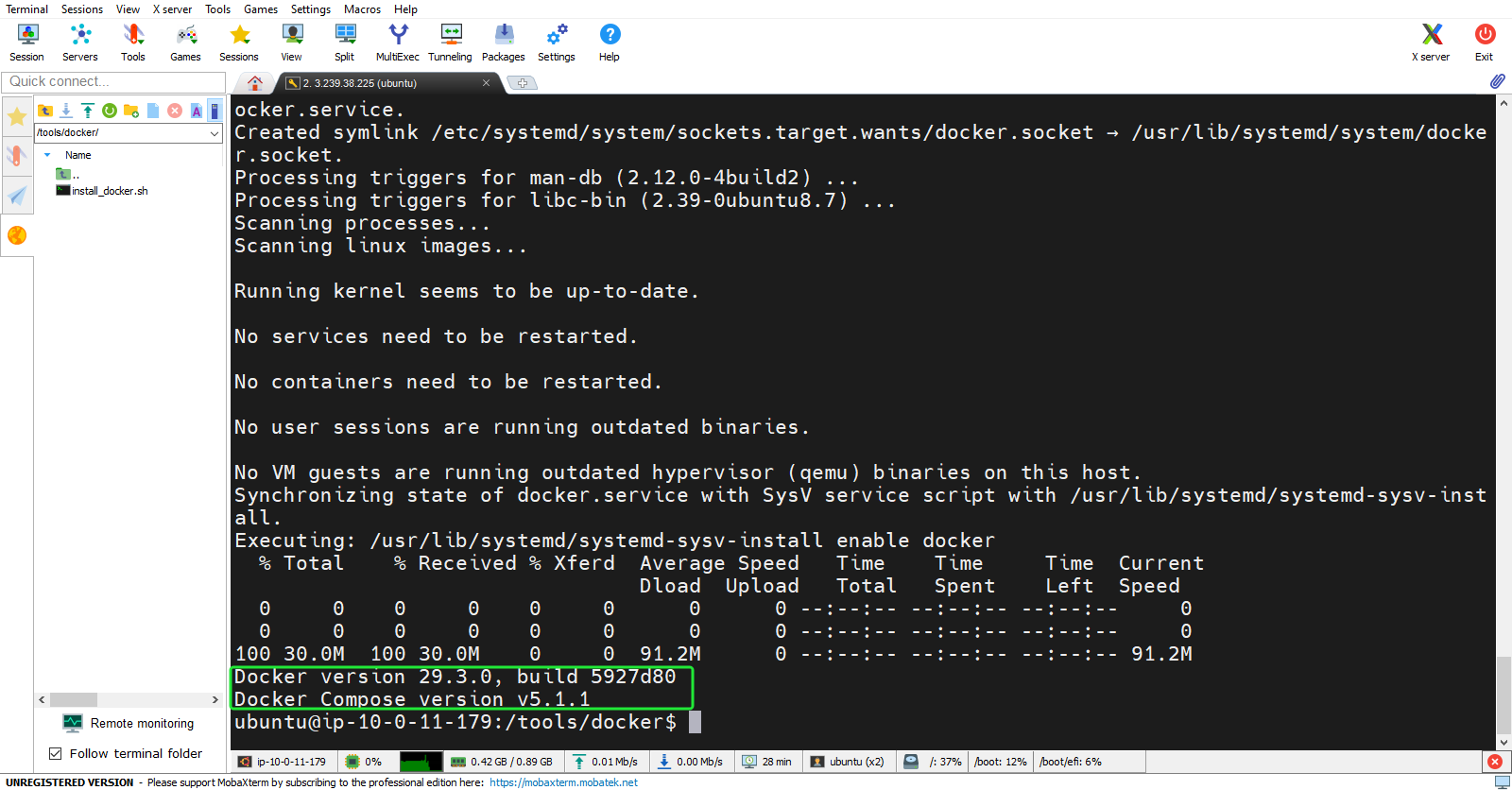
- The results show the versions of Docker and Docker Compose:
Install MySQL Client
- To add data to the RDS instance, we need to install the MySQL Client. Use the following command:
sudo apt install mysql-client
- Check version MySQL Client:
mysql --version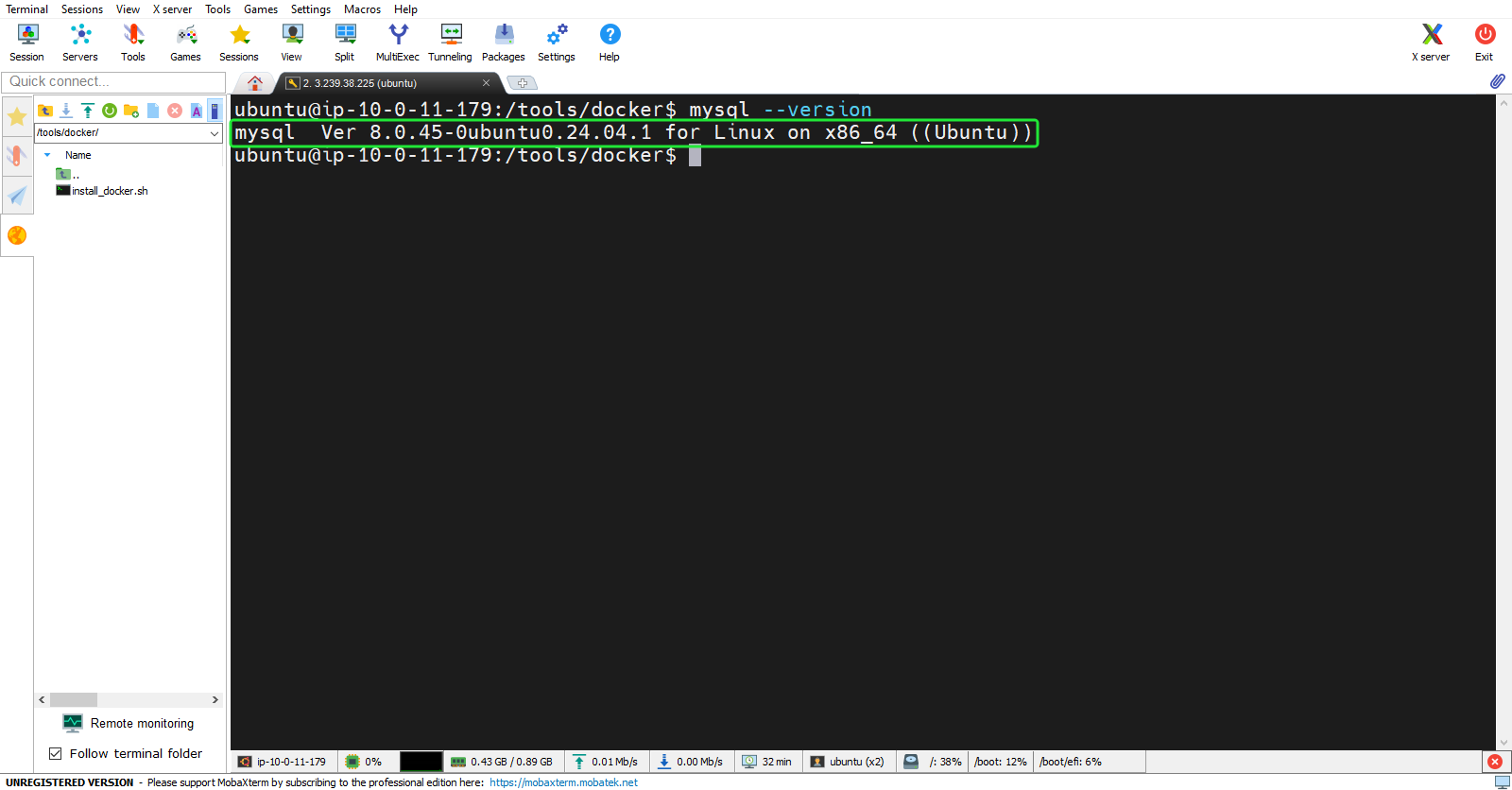
Clone the source code from GitHub
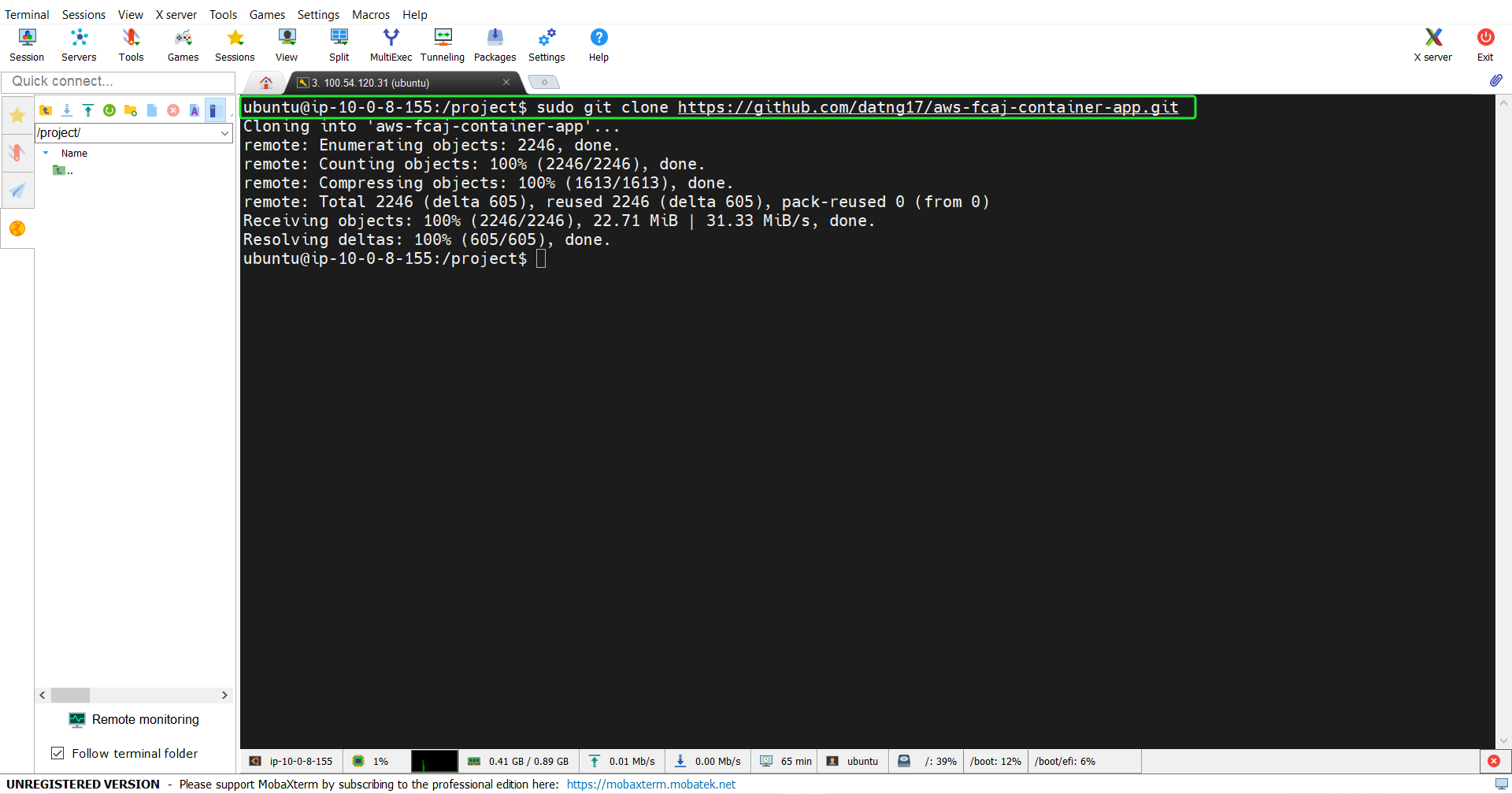
- Before proceeding to the next steps, we need to clone the project source code.
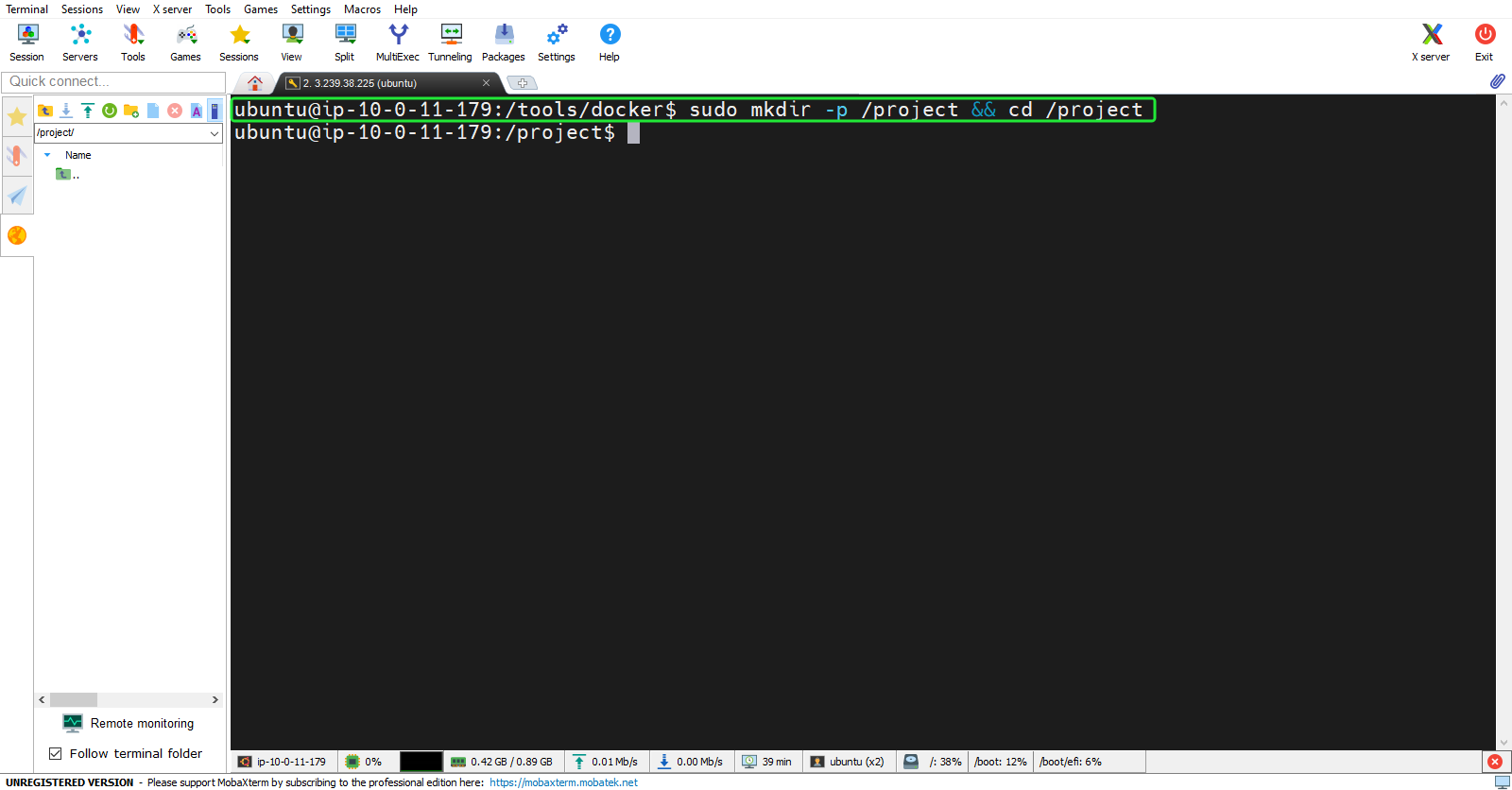
sudo mkdir -p /project && cd /project
sudo git clone https://github.com/datng17/aws-fcaj-container-app.git