Add Database for testing
Preparation
To ensure the application works, we need to load data into the RDS instance.
We will use the SQL script in aws-fcaj-container-app/database to insert the data. To do this, first navigate to the aws-fcaj-container-app/database directory to get the script path:
cd aws-fcaj-container-app/database
echo $PWD/init.sql
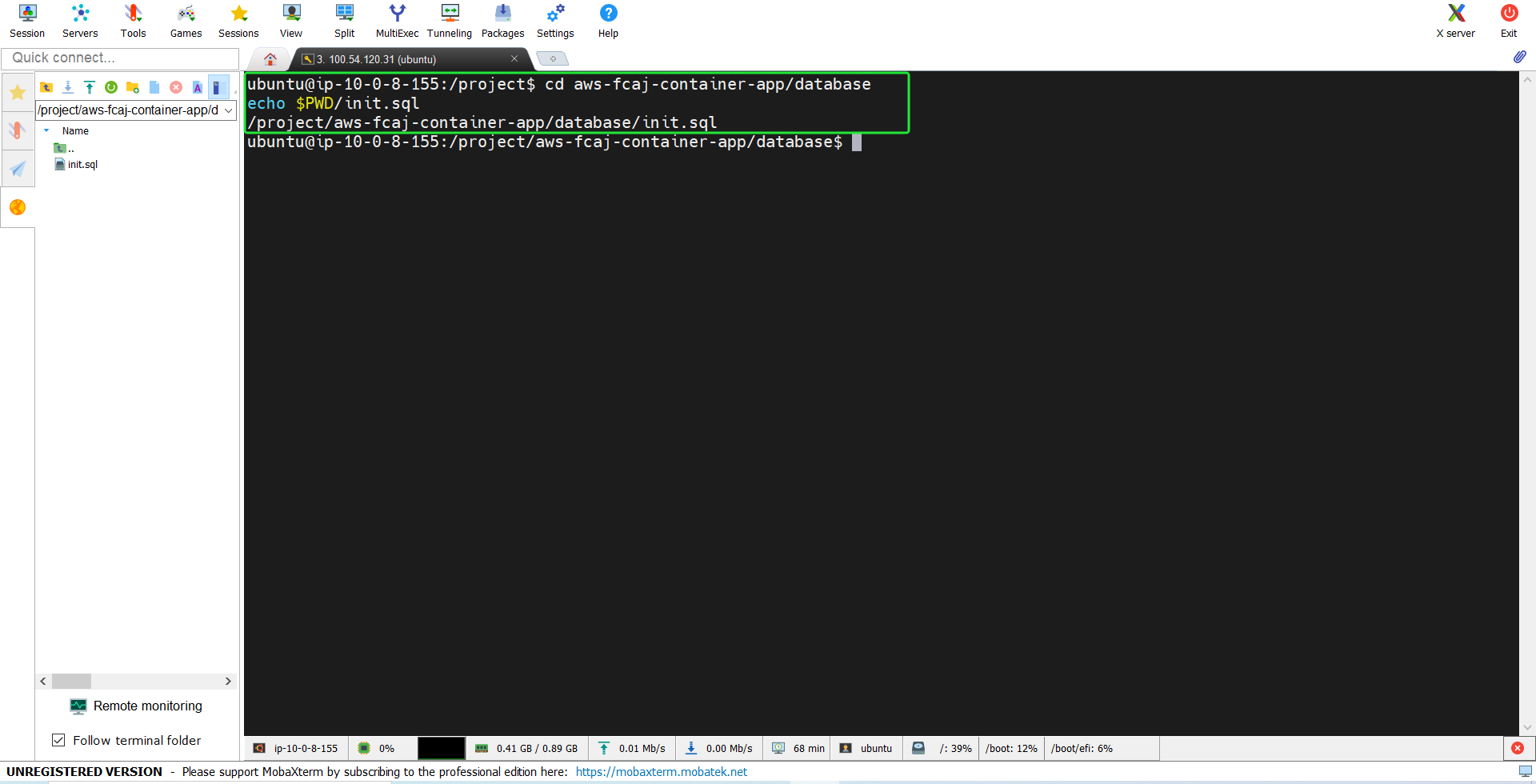
Copy the path as we will use it later.
Connect to RDS
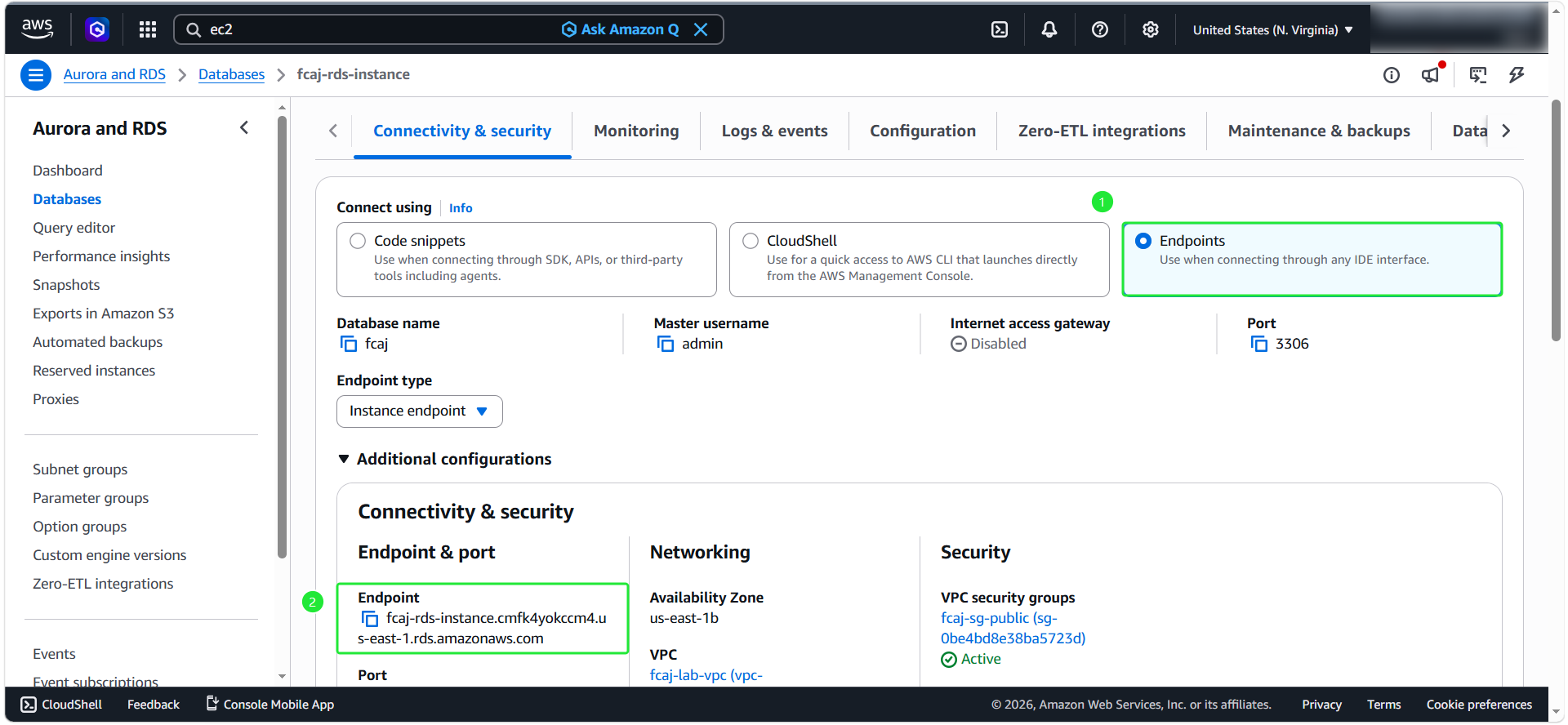
- Now, we’ll use the MySQL client installed earlier to connect to the RDS instance. First, go to the RDS Console:
- Select the RDS instance you created earlier.
- Copy the endpoint.
- Use the following command to connect. Don’t forget to replace “rds-endpoint” with your RDS endpoint and “password” with your RDS master password:
letmein12345
mysql -h "rds-endpoint" -u admin -p
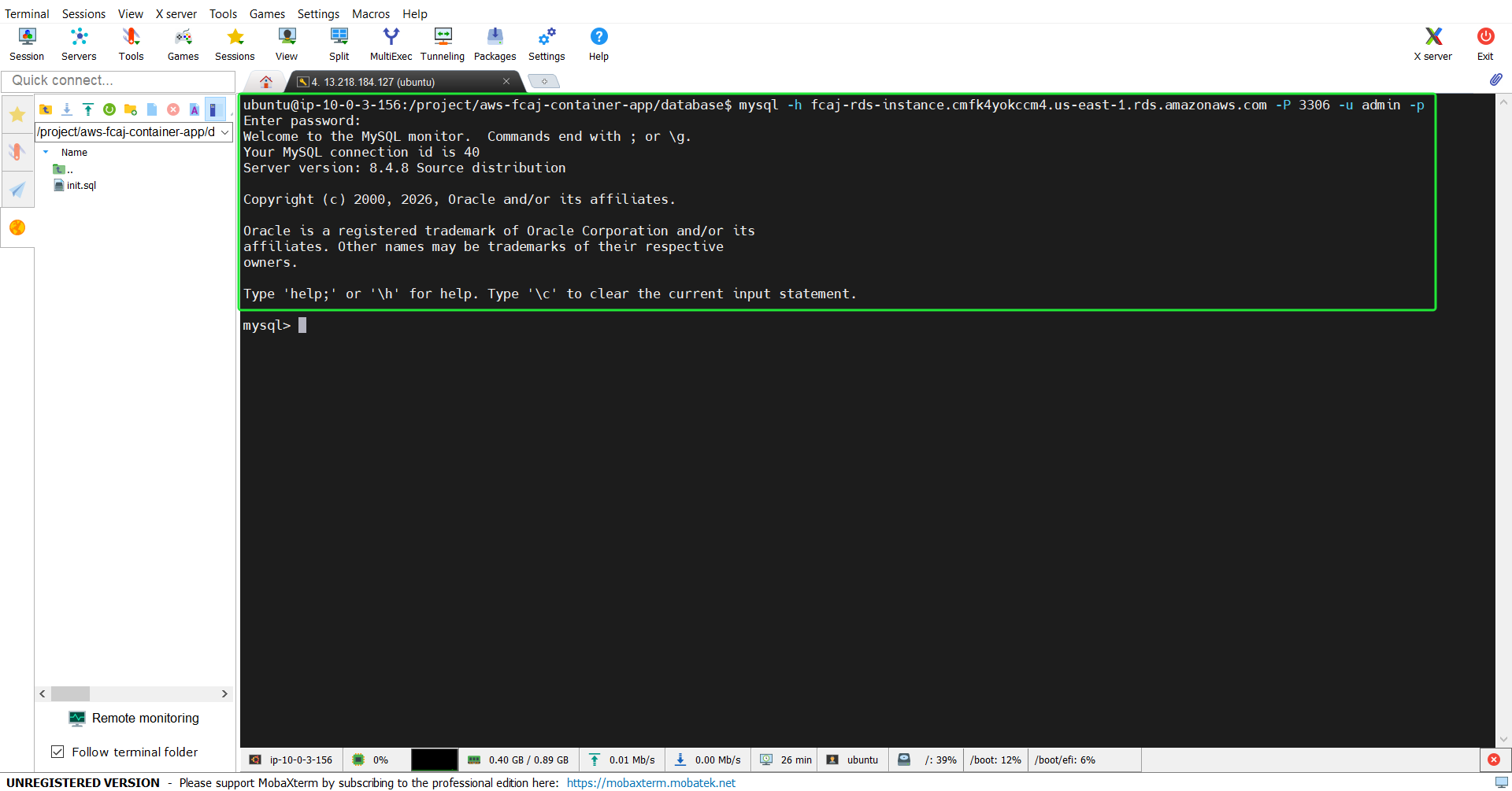
- Next, we will use the
source /project/aws-fcaj-container-app/database/init.sqlcommand to run the SQL script.
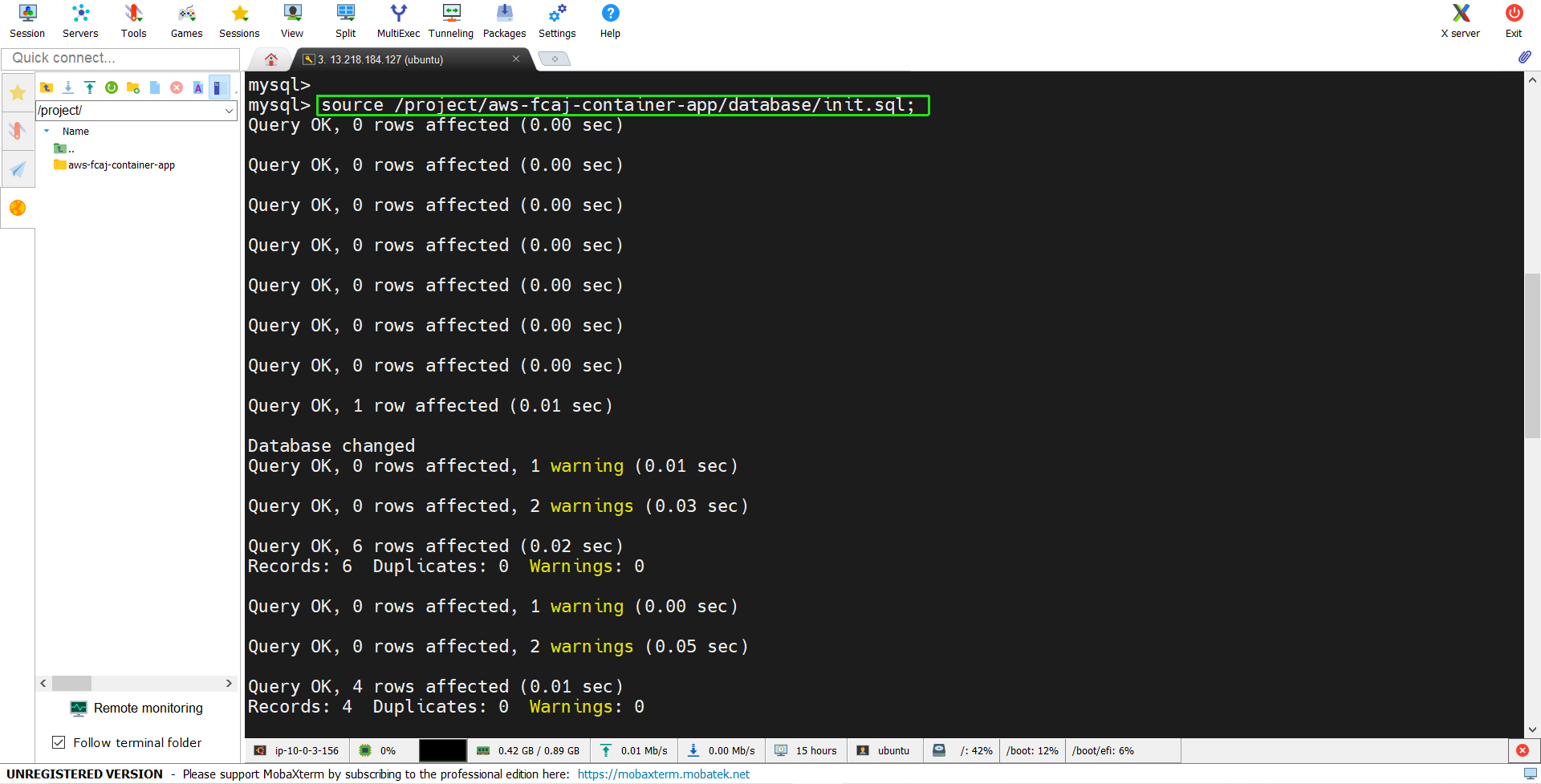
Verify Results
- Check the database:
SHOW DATABASES;
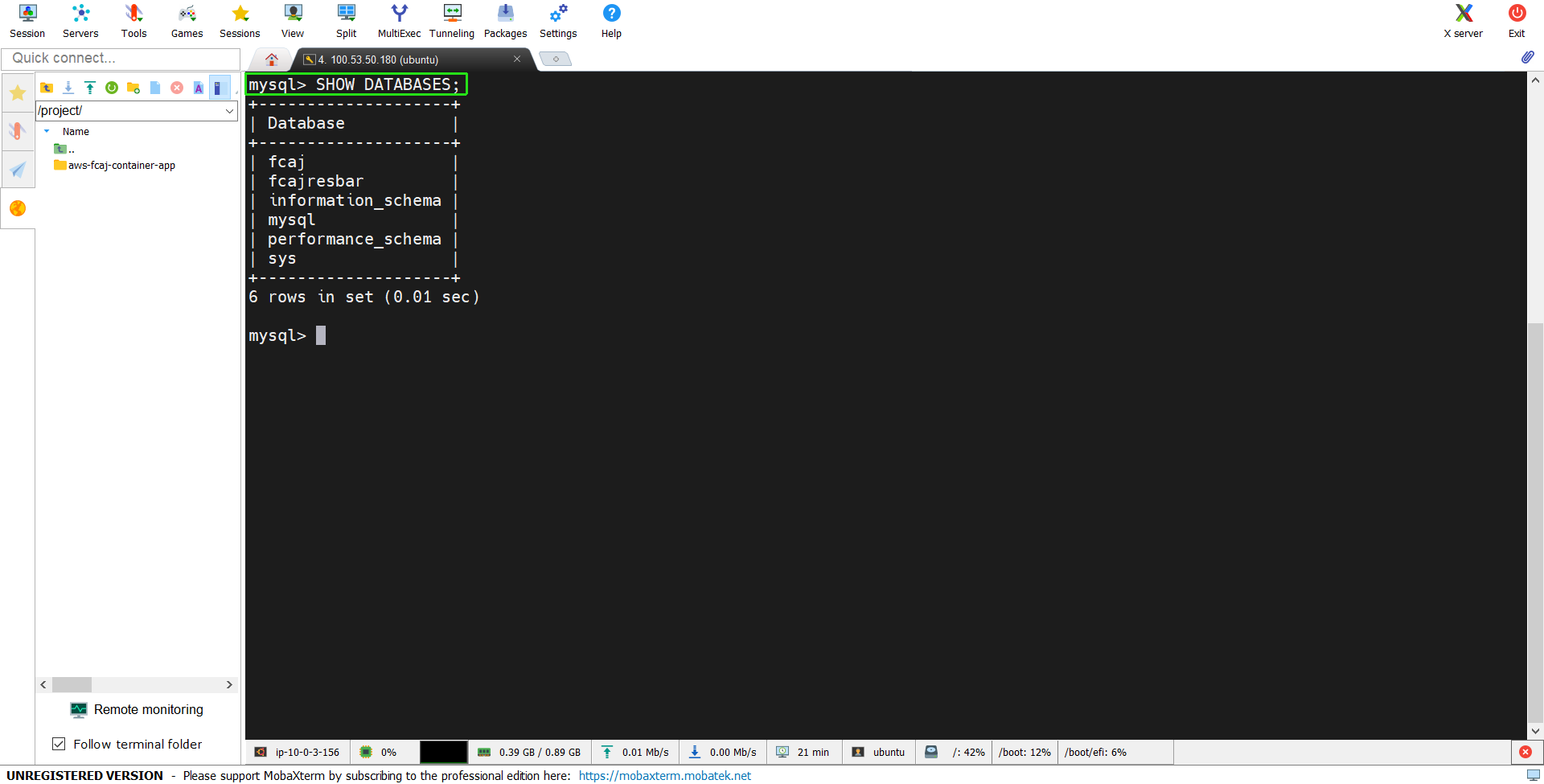
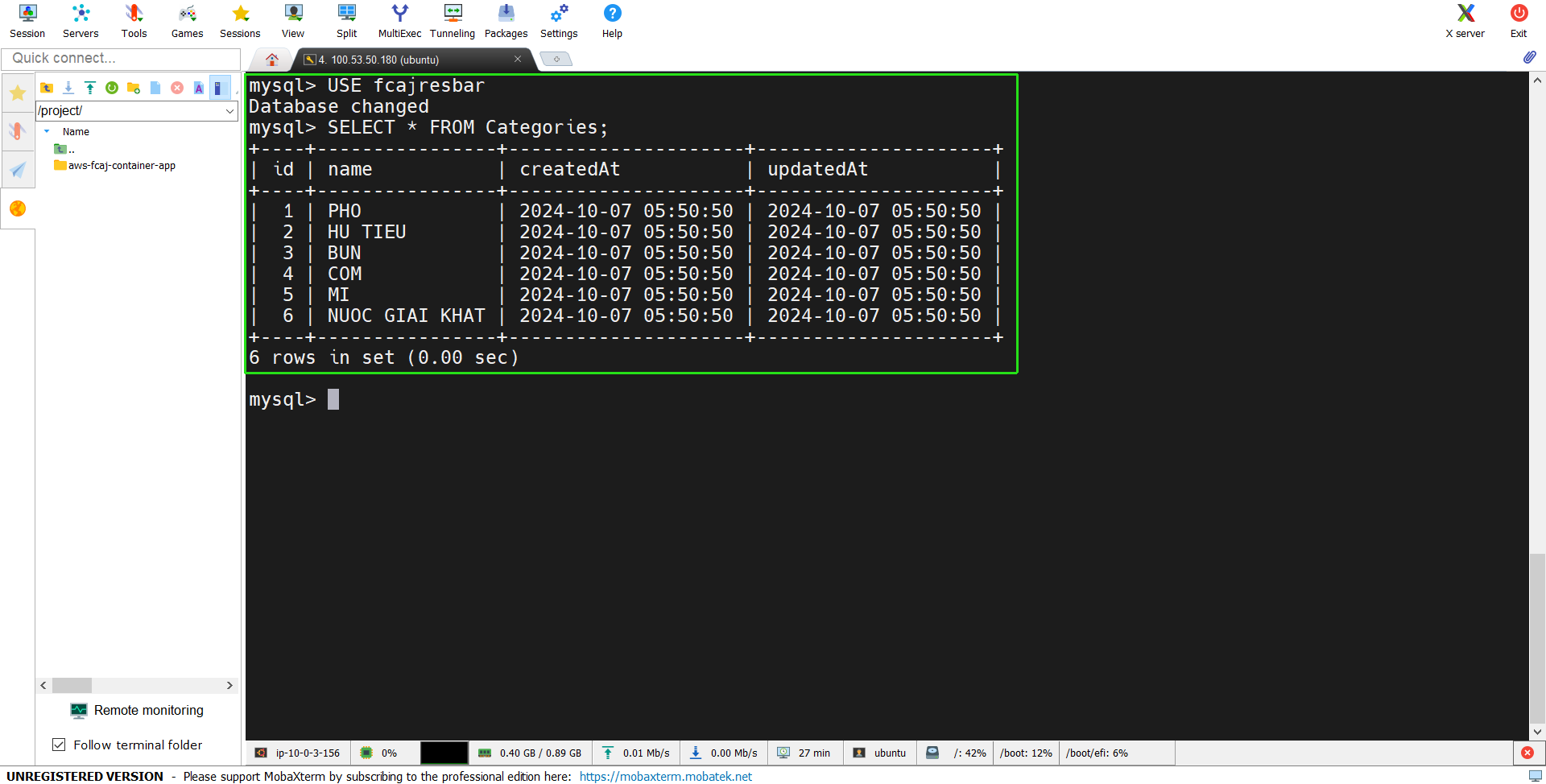
- Check the data:
USE fcajresbarthenSELECT * FROM Categories;