Test Application
Deployment Results
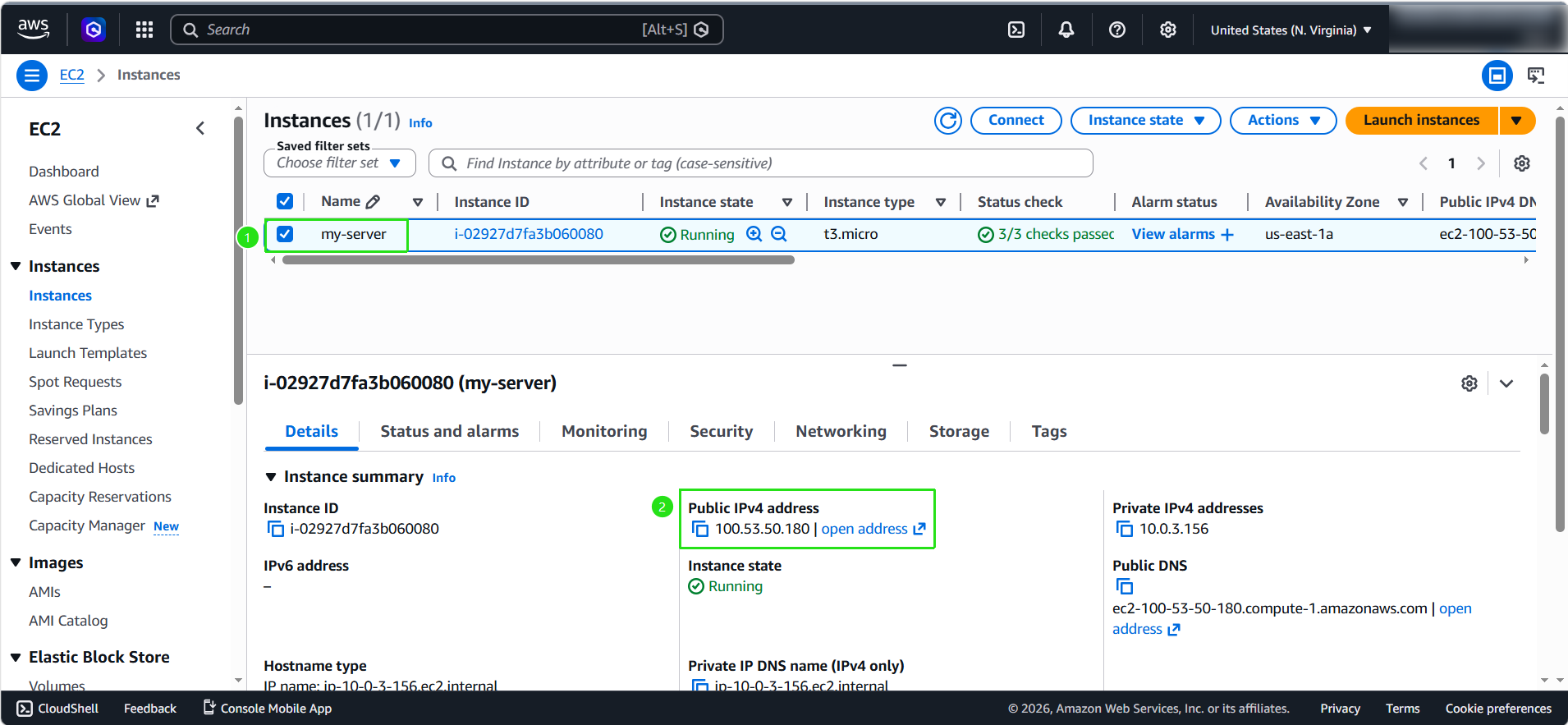
- Go back to the EC2 Console, copy the Public IPv4 address of the EC2 instance we’ve been working on, and then open a browser and enter the URL as follows:
http://public-dns-of-your-ec2:3000
NginX is running on port 80 inside the container. When we make a request to the above URL, the container will map from port 3000 to 80.
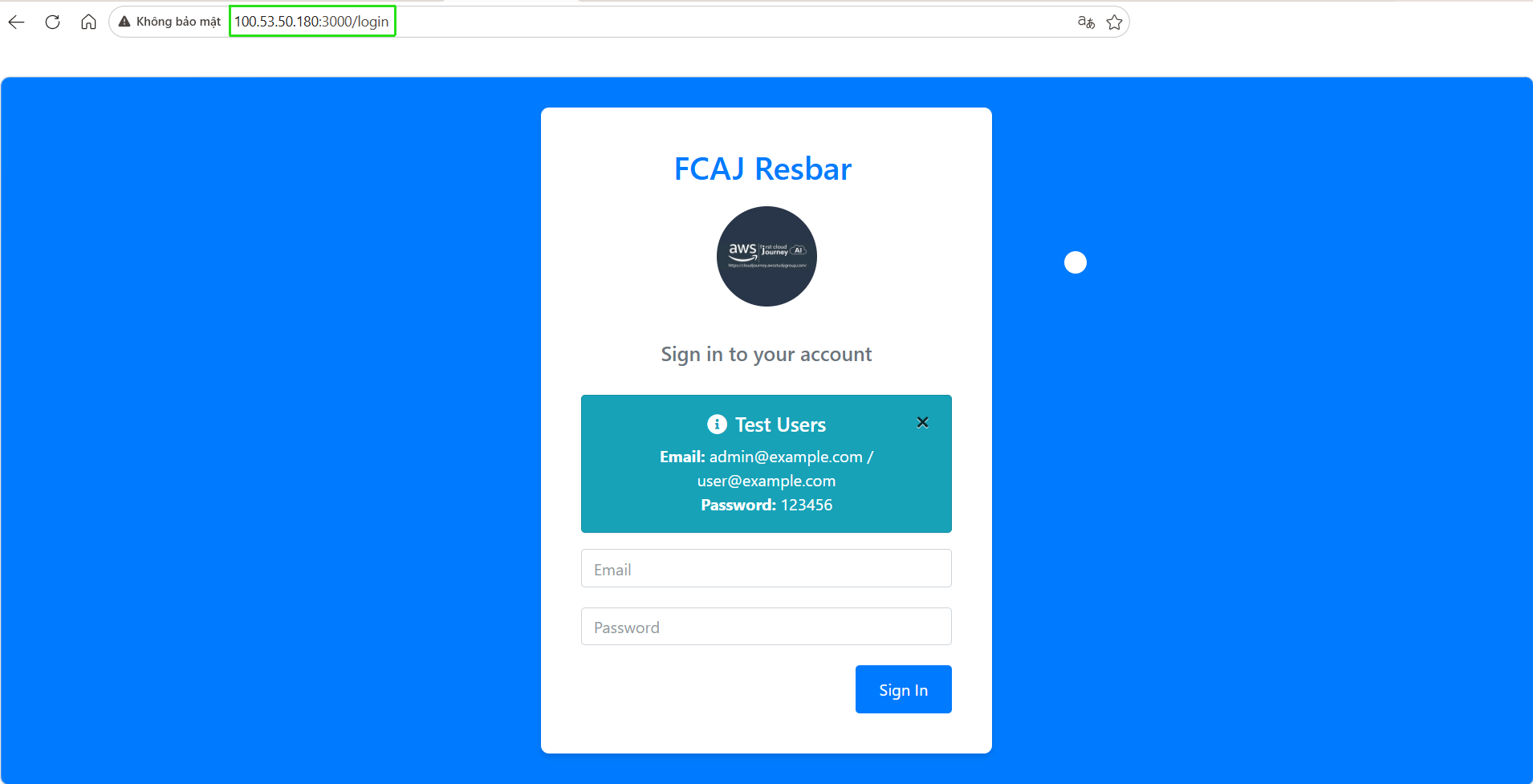
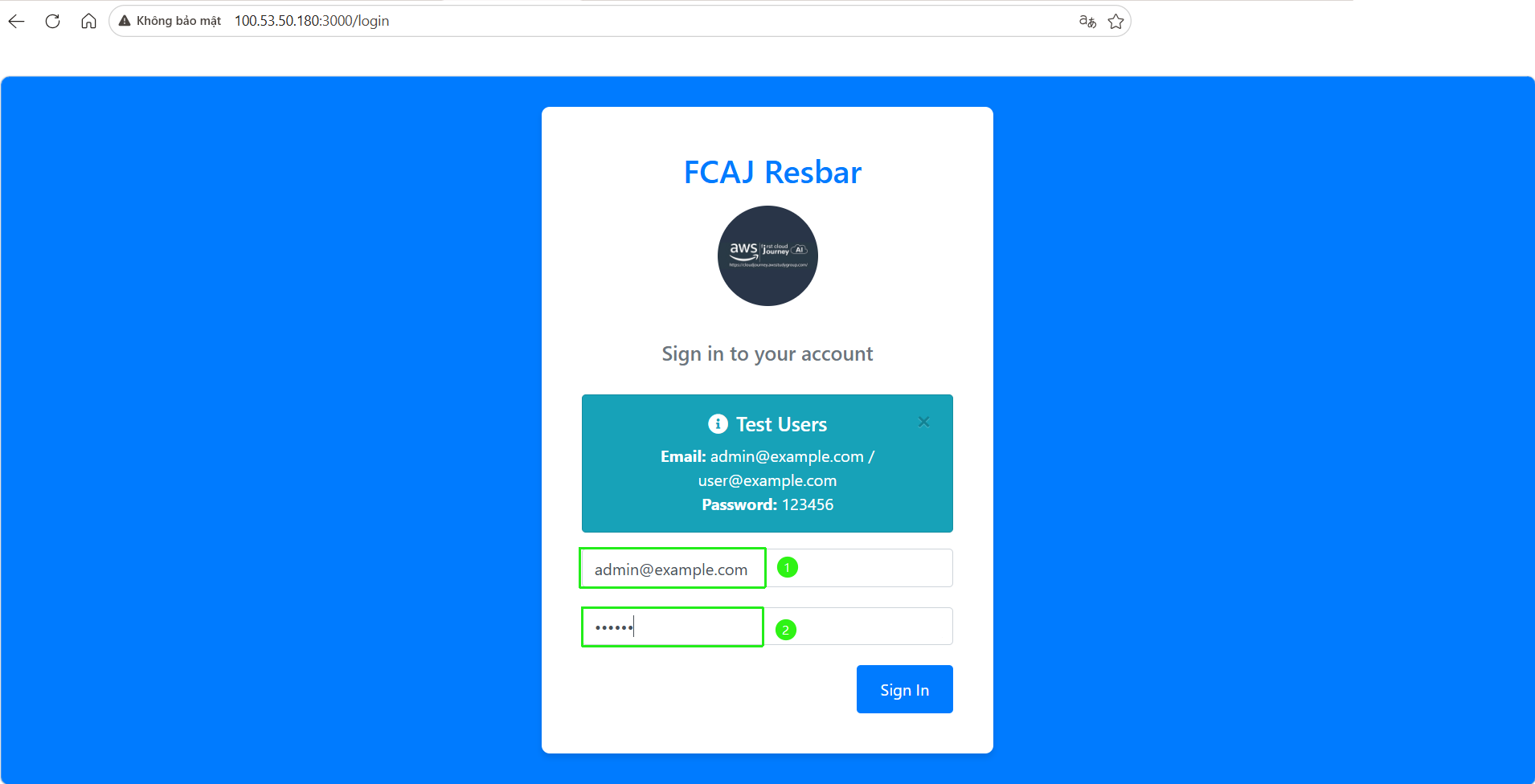
- Try logging in with a user account. If the login is successful, it means our application is running properly and will redirect us to the main interface.
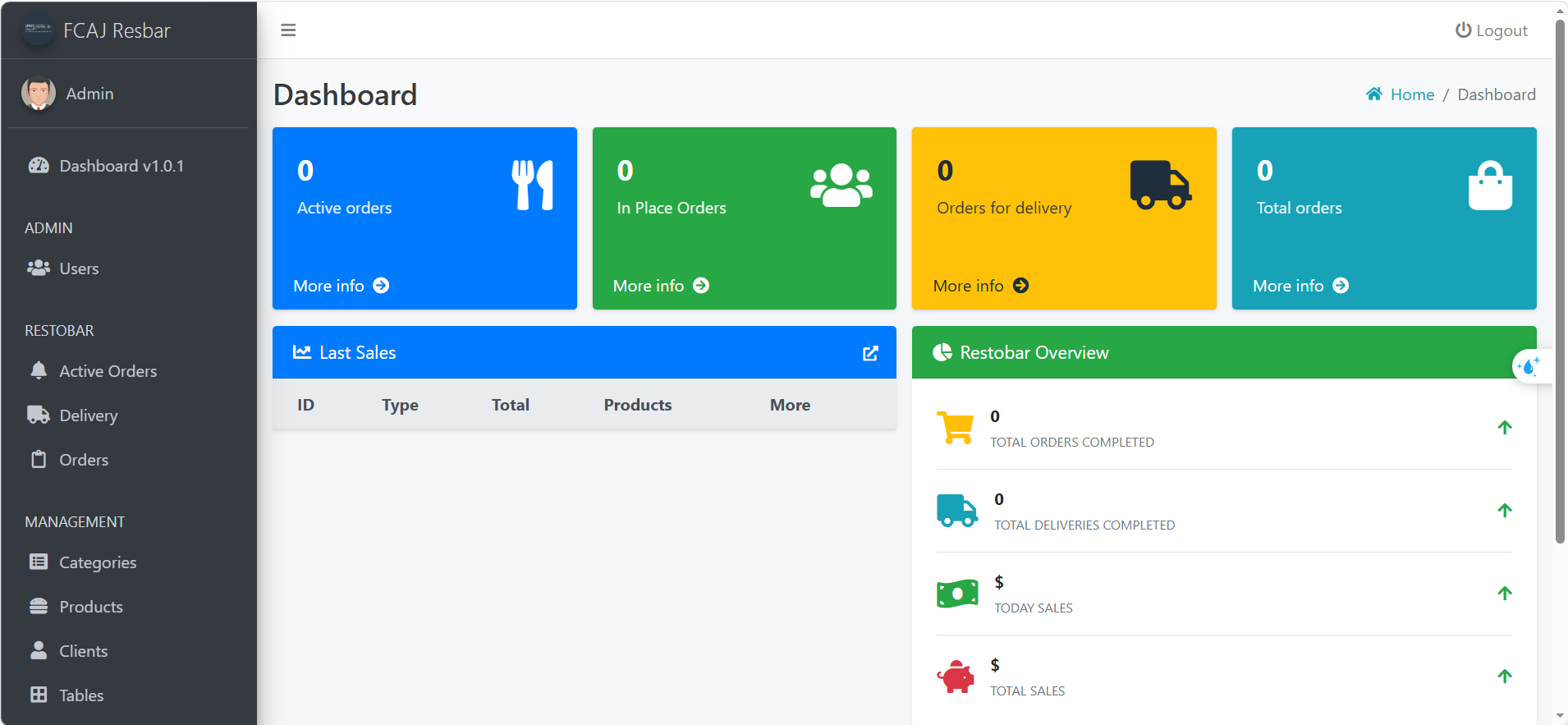
Open some additional pages.
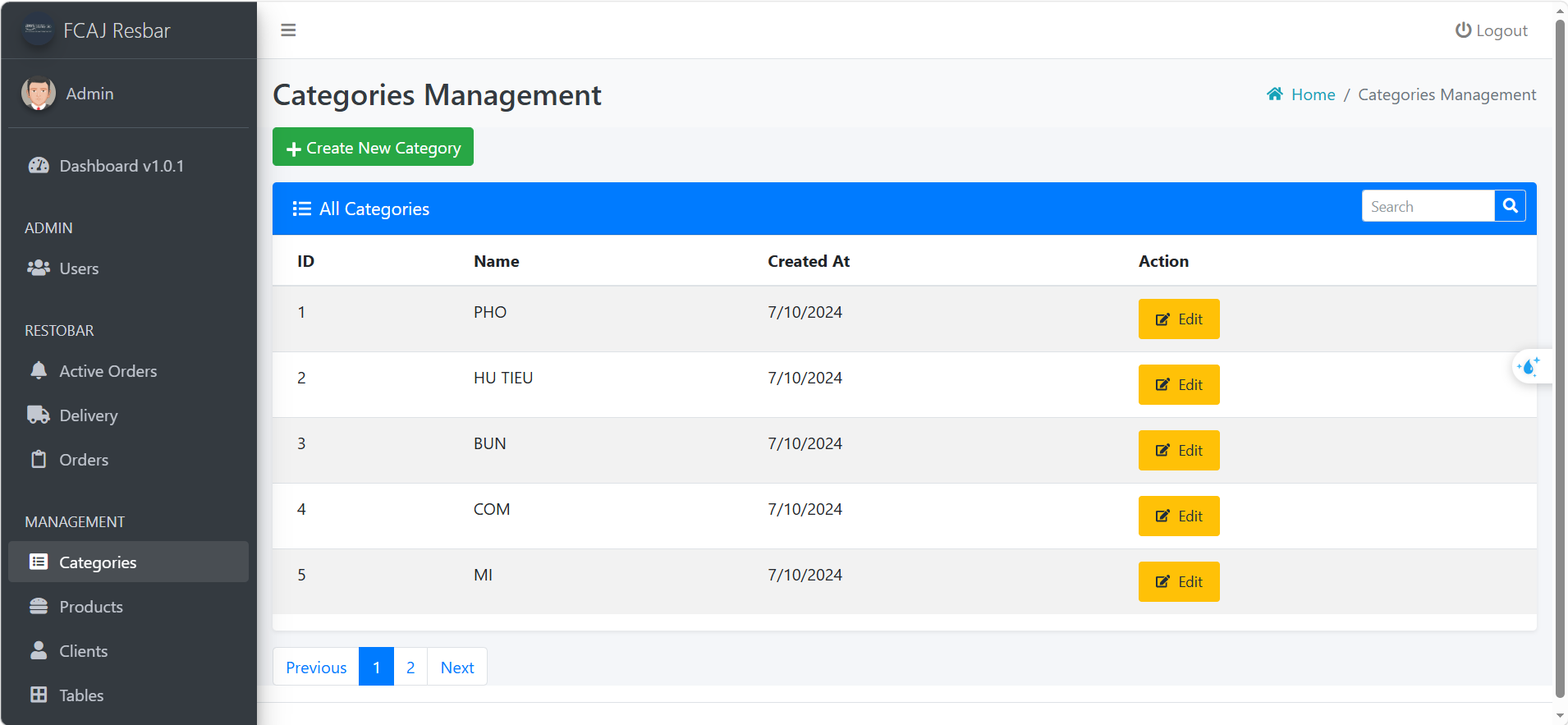
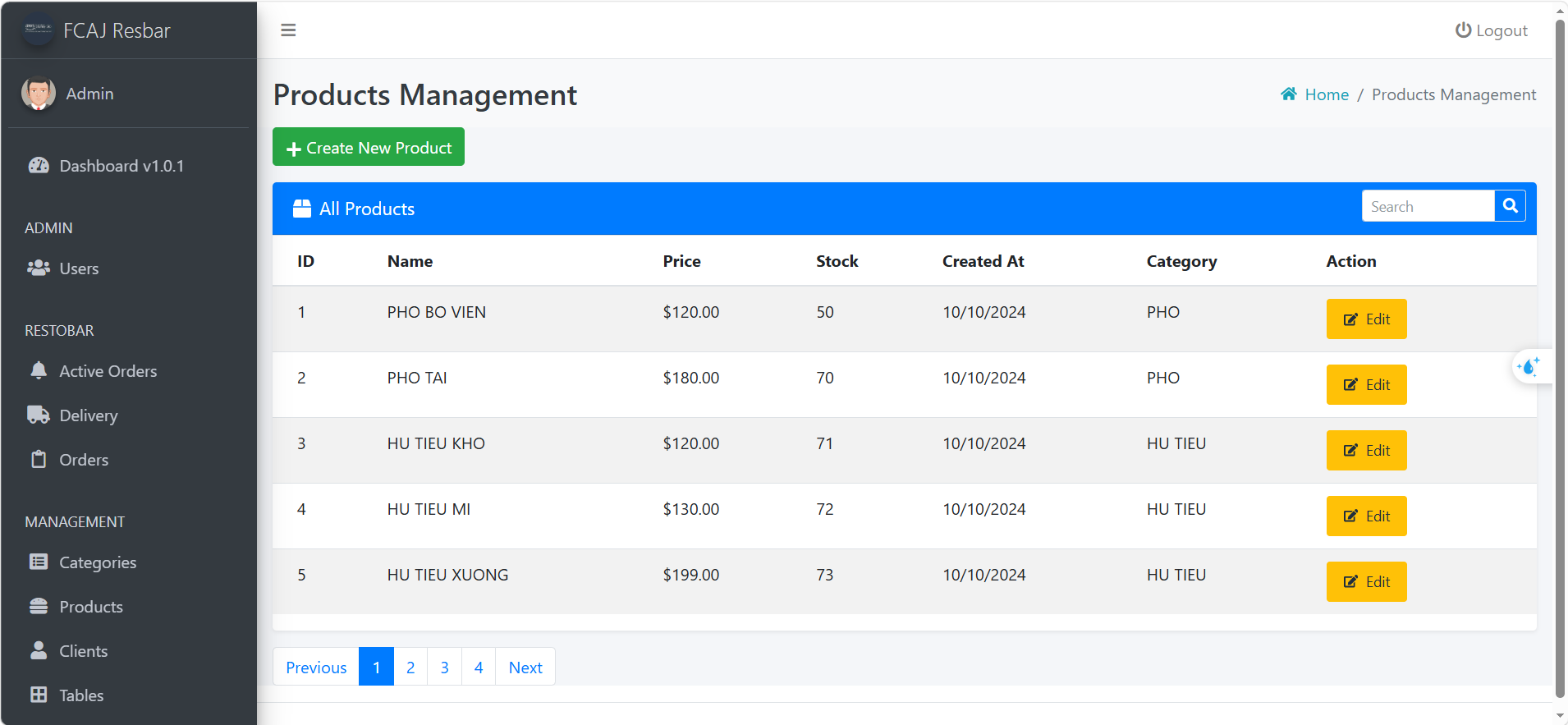
We’ve successfully deployed the application using Docker Images. In the next section, we’ll use a different approach by deploying the application with Docker Compose. This solution will make it easier to deploy and manage containers.