Deploying the Application
Deployment with Docker Compose
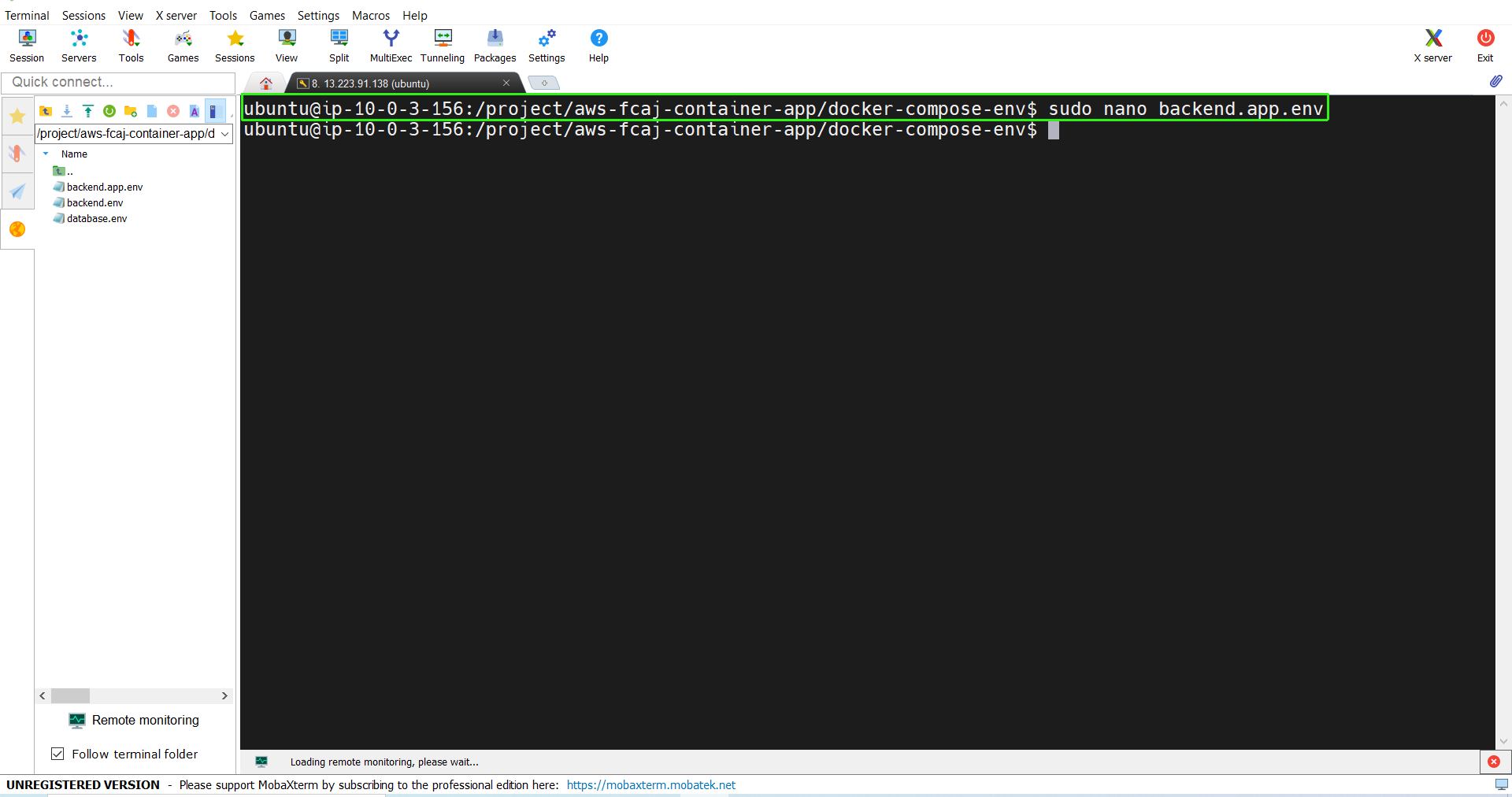
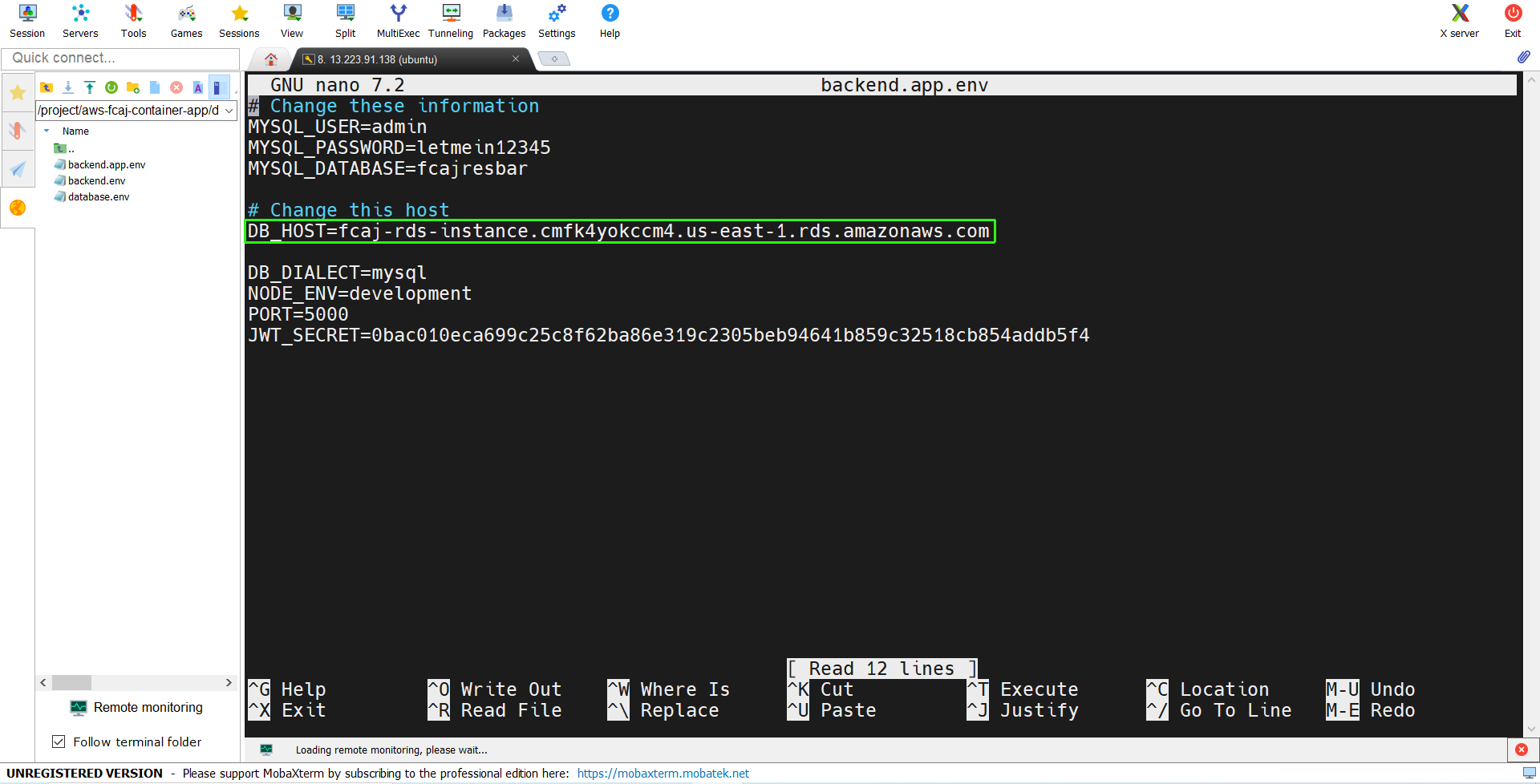
- Create a new SSH session, then navigate to the docker-compose-env directory at the root of the project and use
sudo nano backend.app.env to update the DB_HOST variable to your RDS Endpoint.
cd docker-compose-env
sudo nano backend.app.env
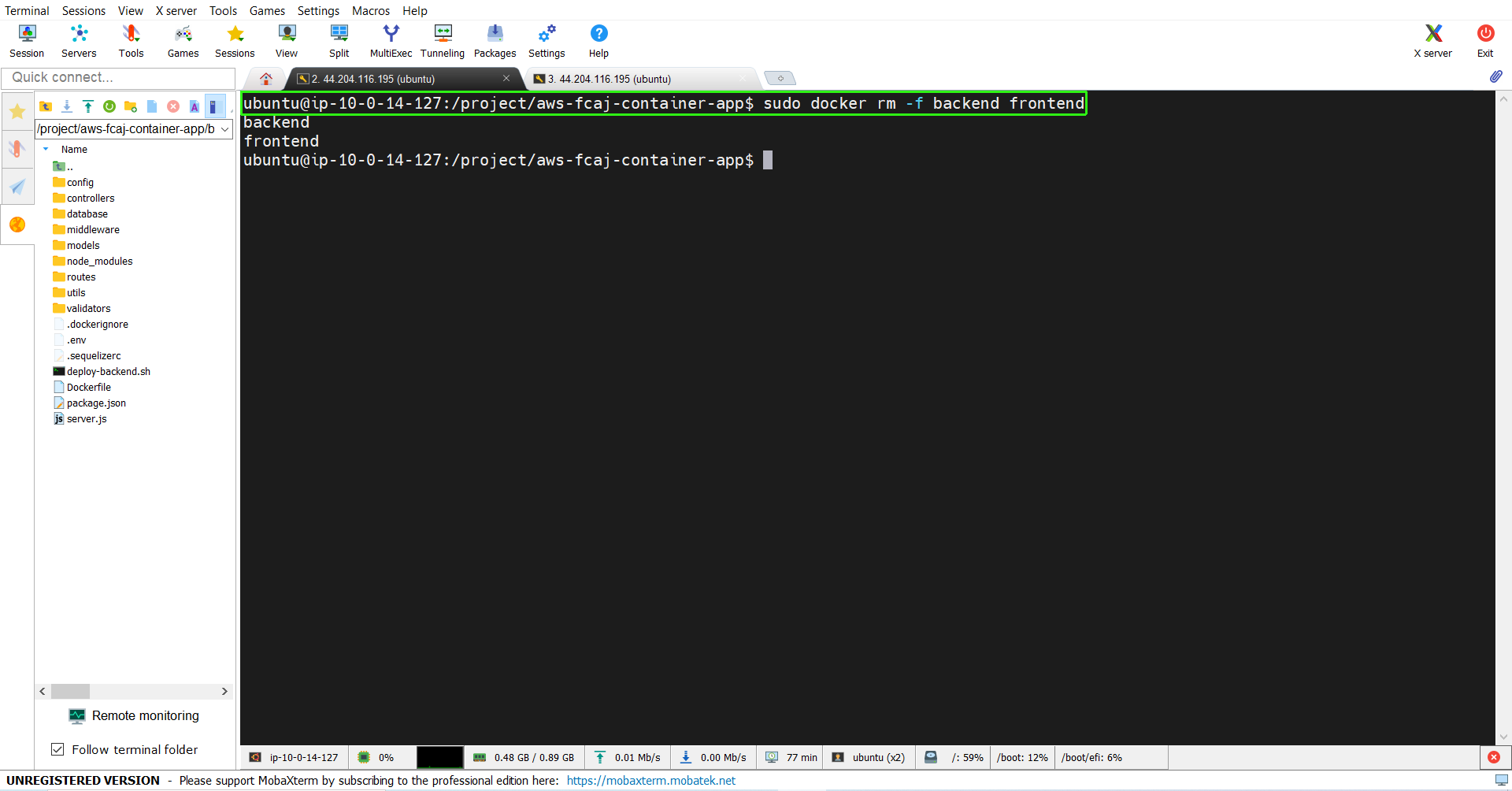

- Return to the aws-fcaj-container-app directory, then remove the
frontend and backend containers running from the previous section to free up resources and avoid port conflicts:
sudo docker rm -f frontend backend
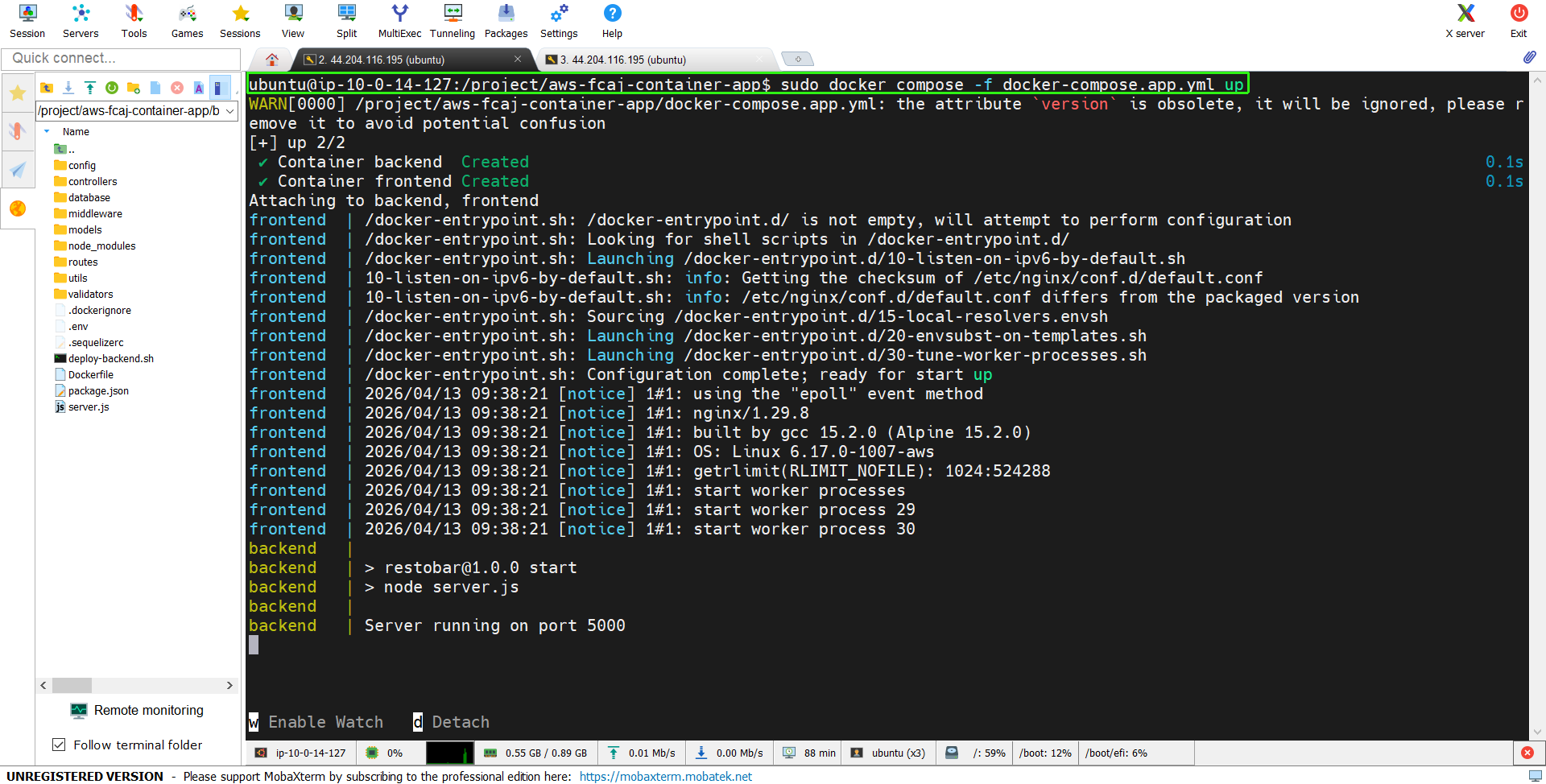
- In the aws-fcaj-container-app directory, we can simply run:
sudo docker compose -f docker-compose.app.yml up
- This will start the two containers just like we did in the previous section.
- Our application is up and running. In the next step, we will proceed to check the application.