Use Docker Hub
Create a repository on Docker Hub
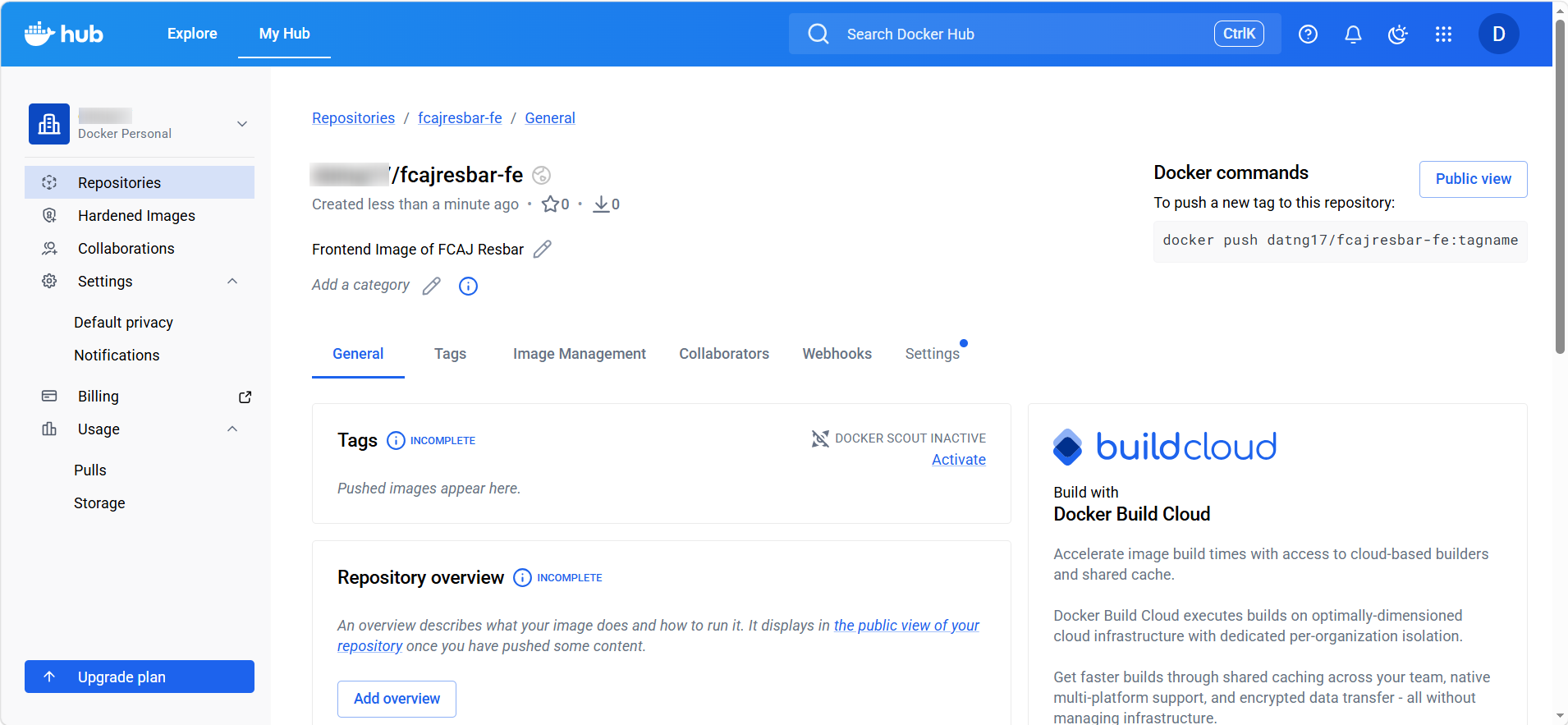
- Go to Docker Hub, which has been prepared, and create a repository there.
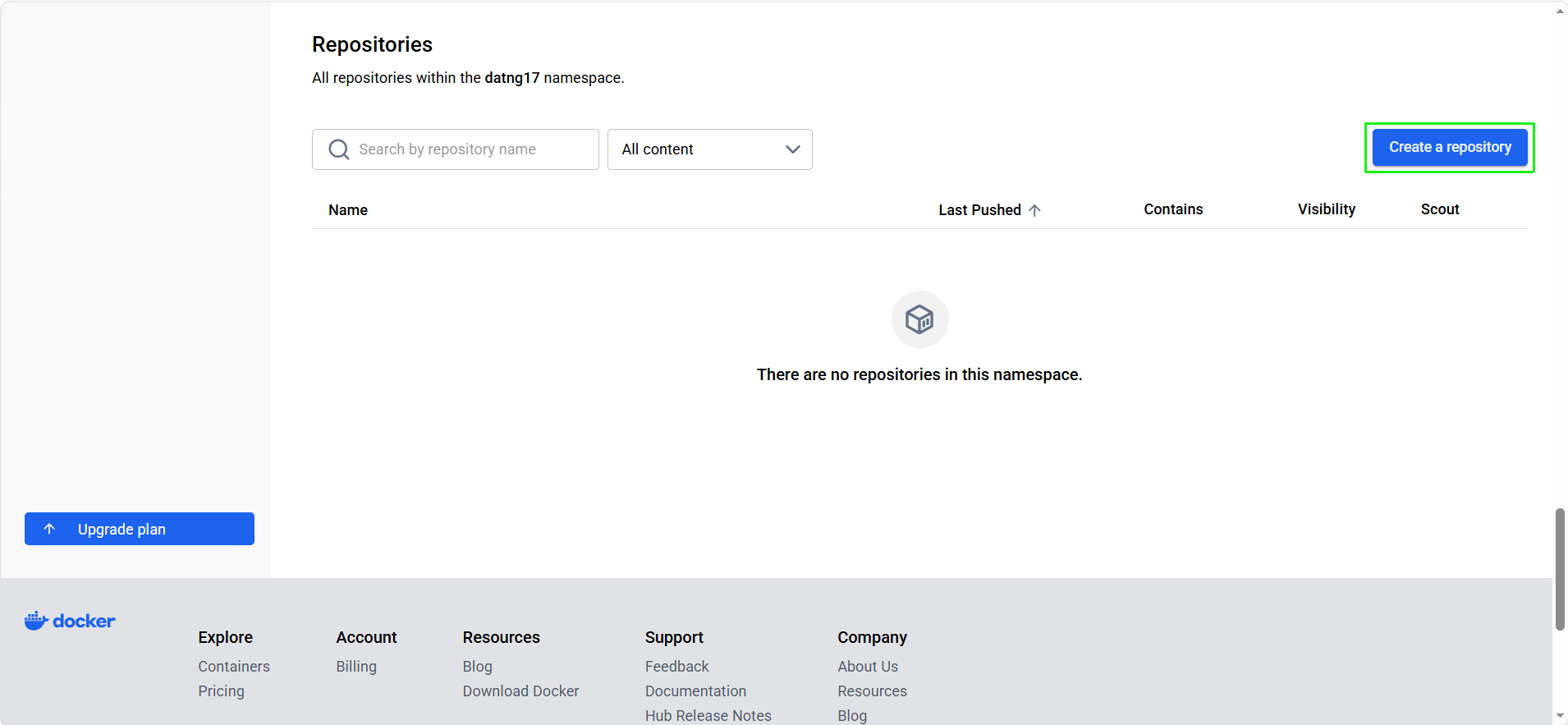
- Scroll down and click Create repository
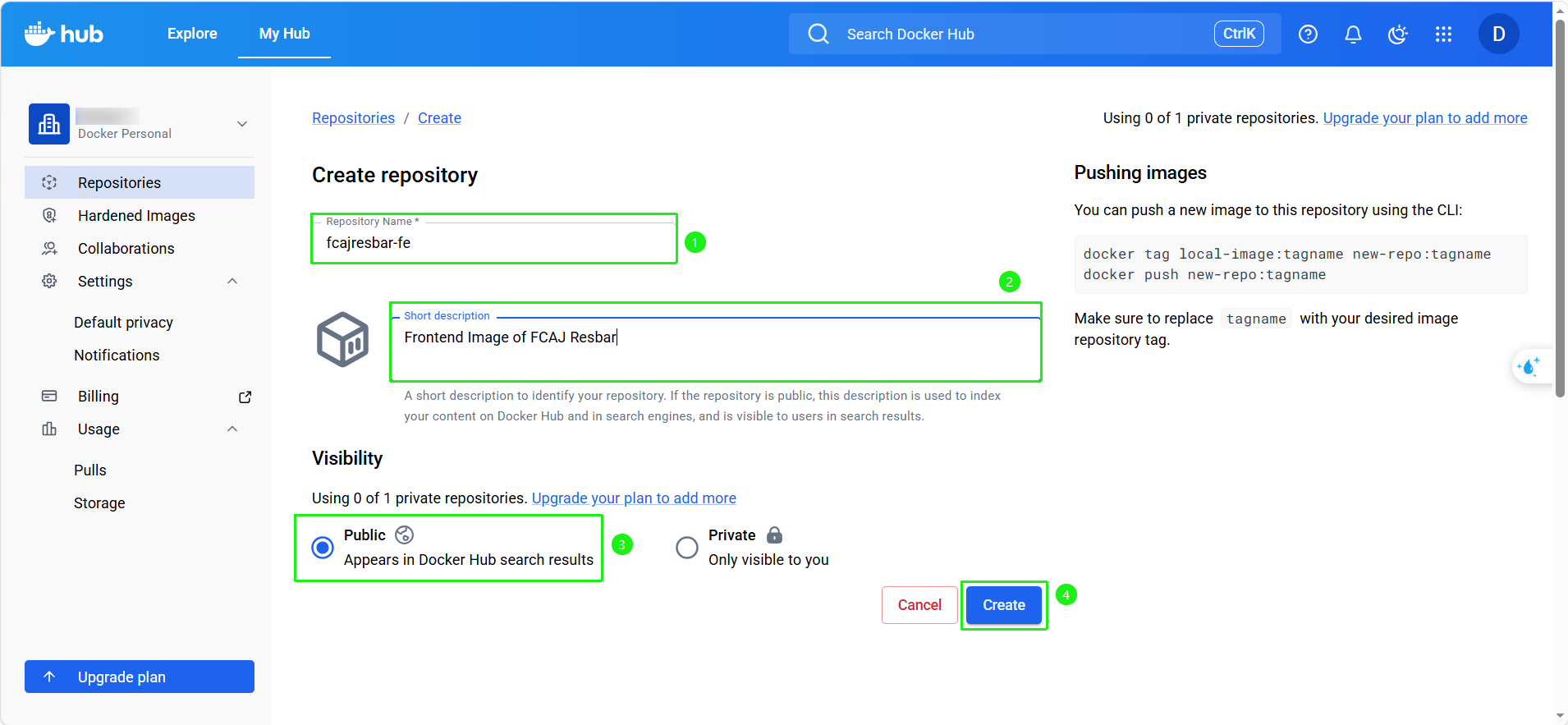
- Choose the Namespace as your account.
- Enter the repository name:
aws-fcaj-container-app-frontend - Enter the description:
Frontend Image of FCAJ Resbar - Select Visibility: Public
- Review and select Create
- Successfully created a repository on Docker Hub.
- Similarly, create a repository for the backend image.
- Choose the Namespace as your account.
- Enter the repository name:
aws-fcaj-container-app-backend. - Enter the description:
Backend Image of FCAJ Resbar. - Select public.
- Review and select Create.
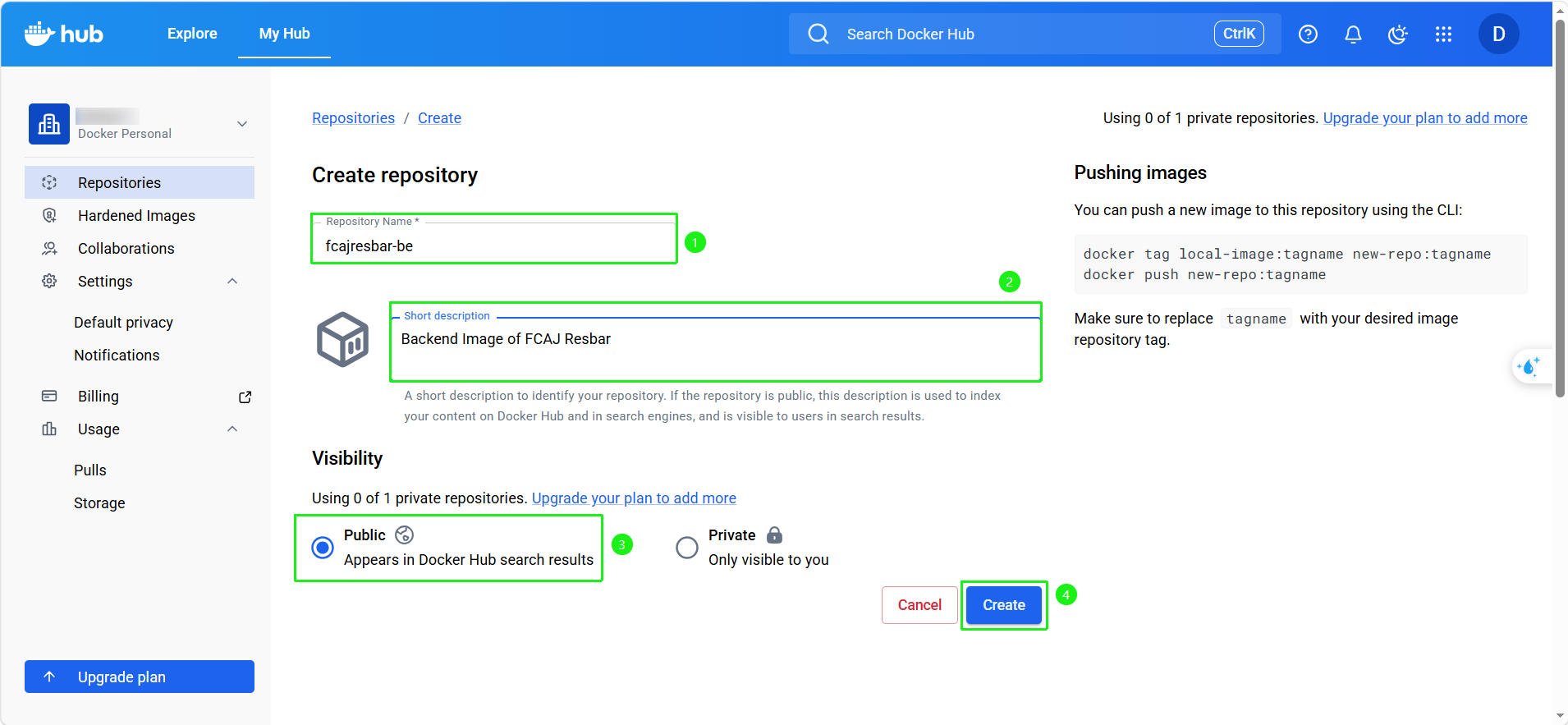
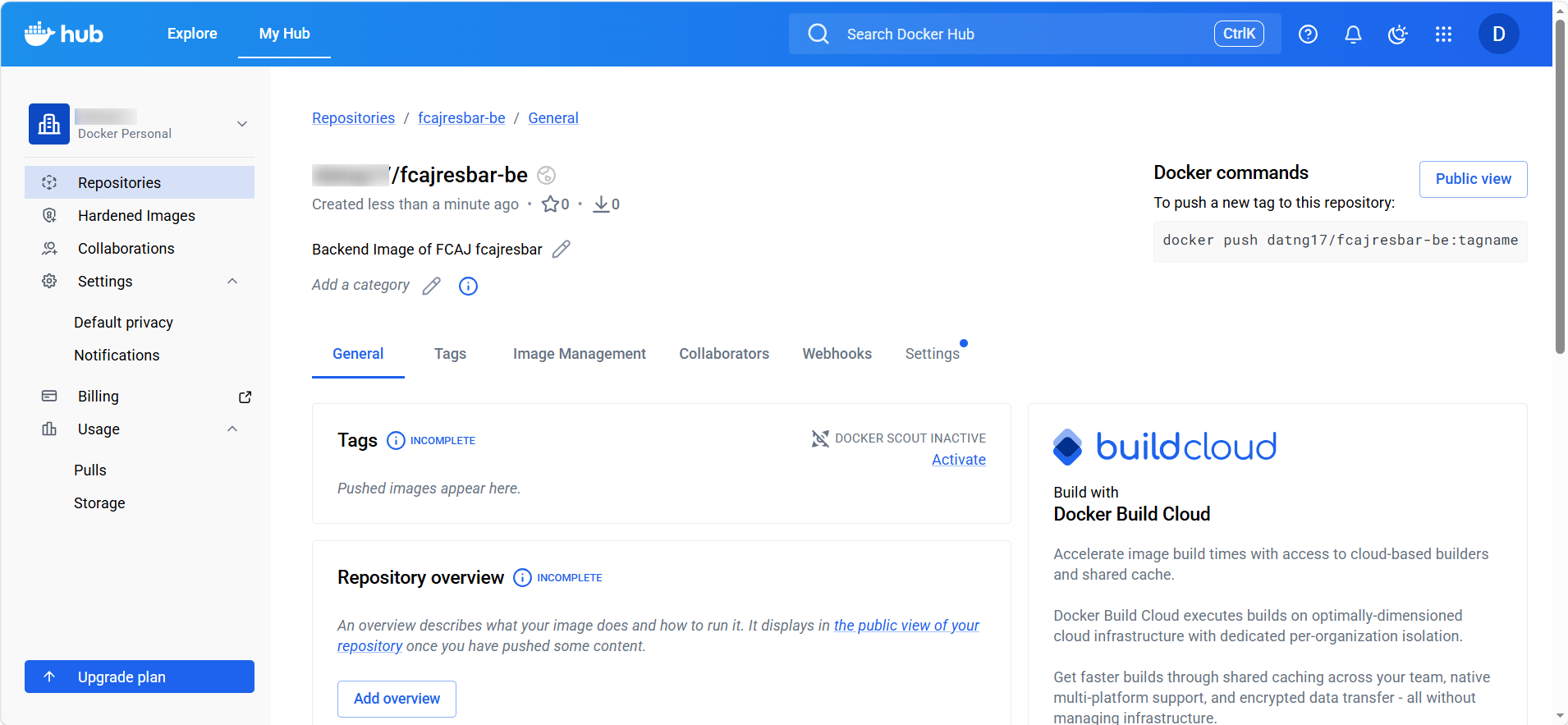
- Successfully created a repository on Docker Hub.
Push frontend and backend image to Docker Hub
Run the
docker logincommand to authenticate. If you are already logged in with a different account, log out first, then log in using the credentials associated with your repositories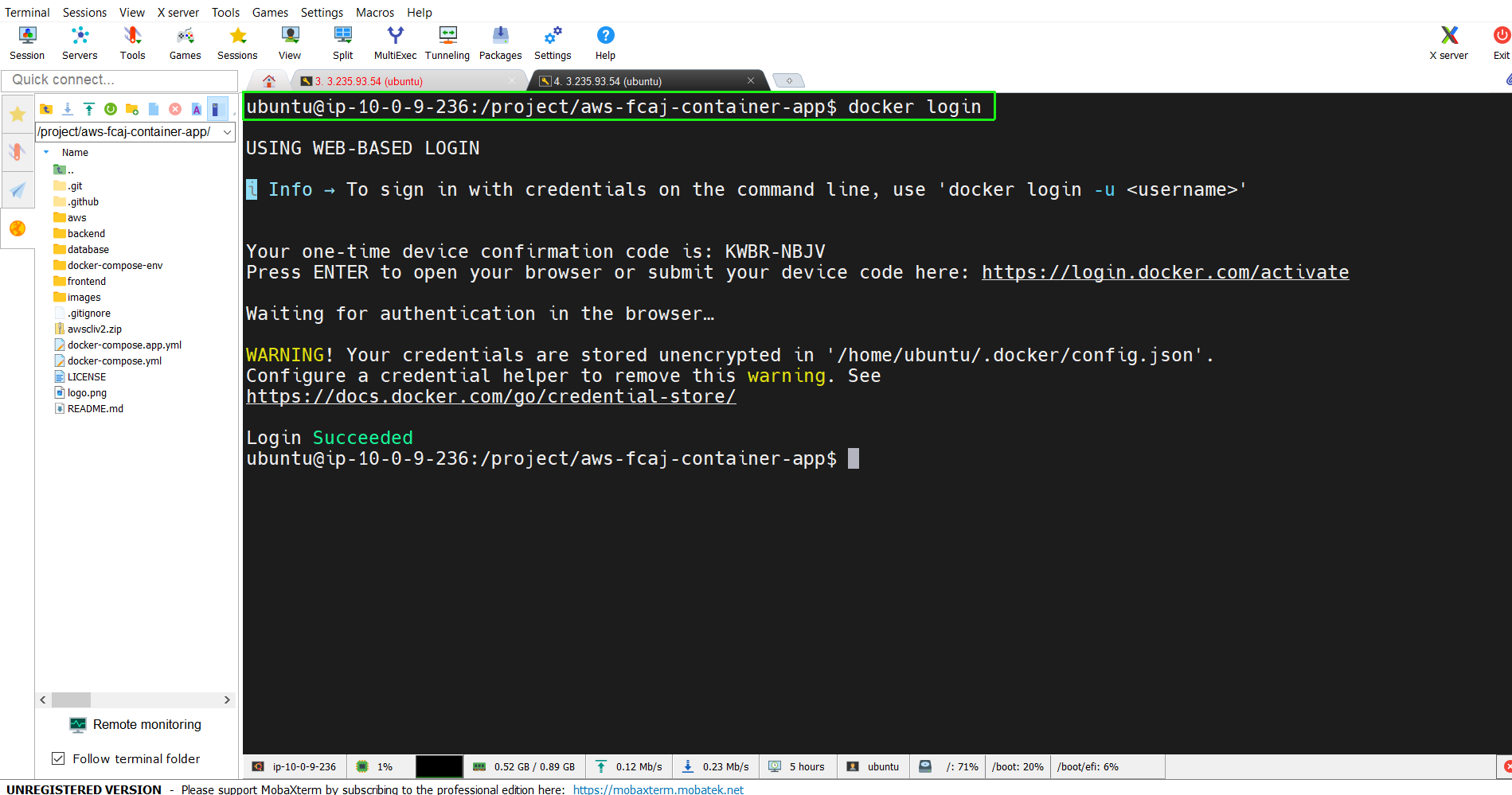
List all available Docker images on your local machine
docker image ls
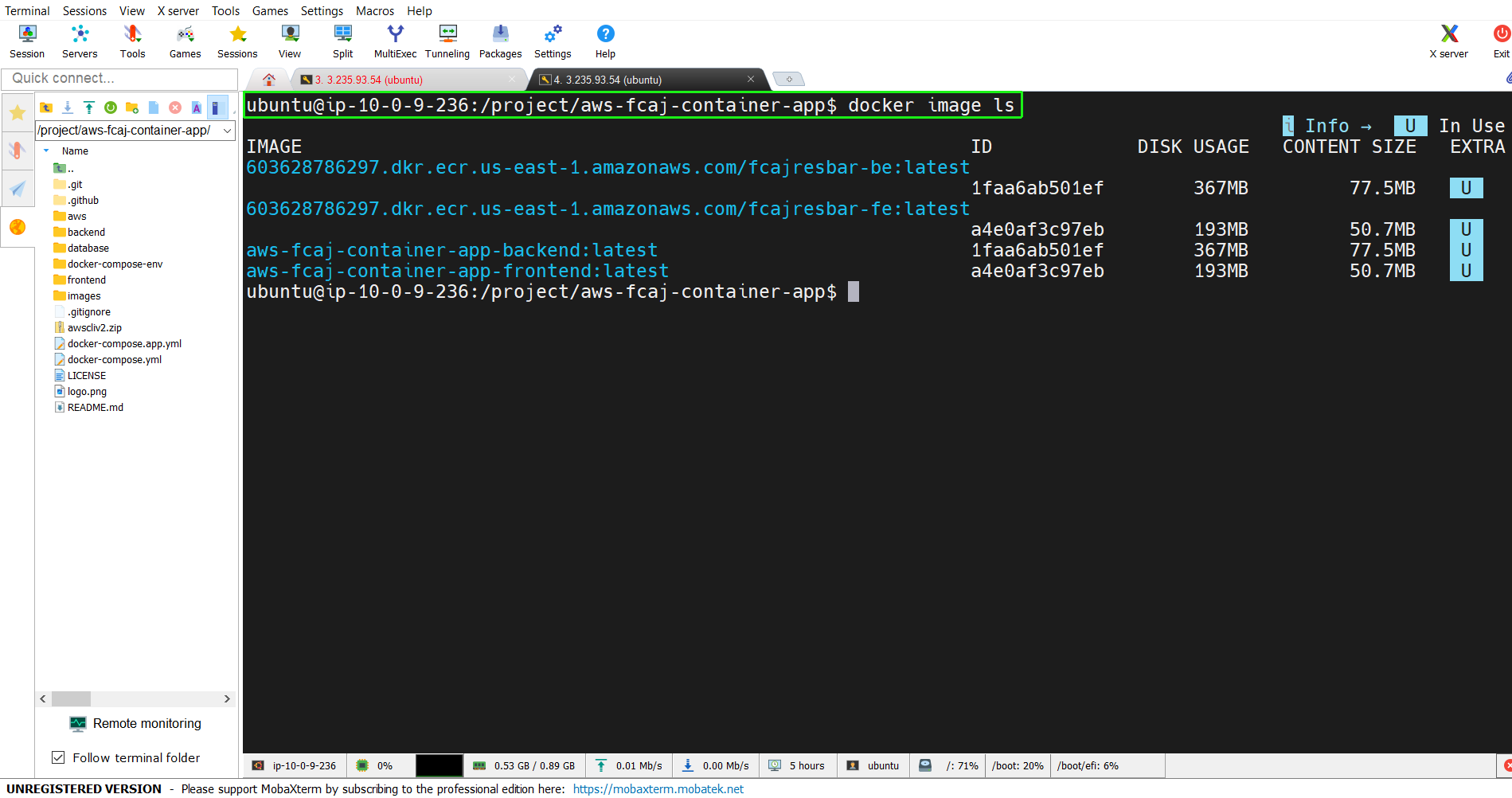
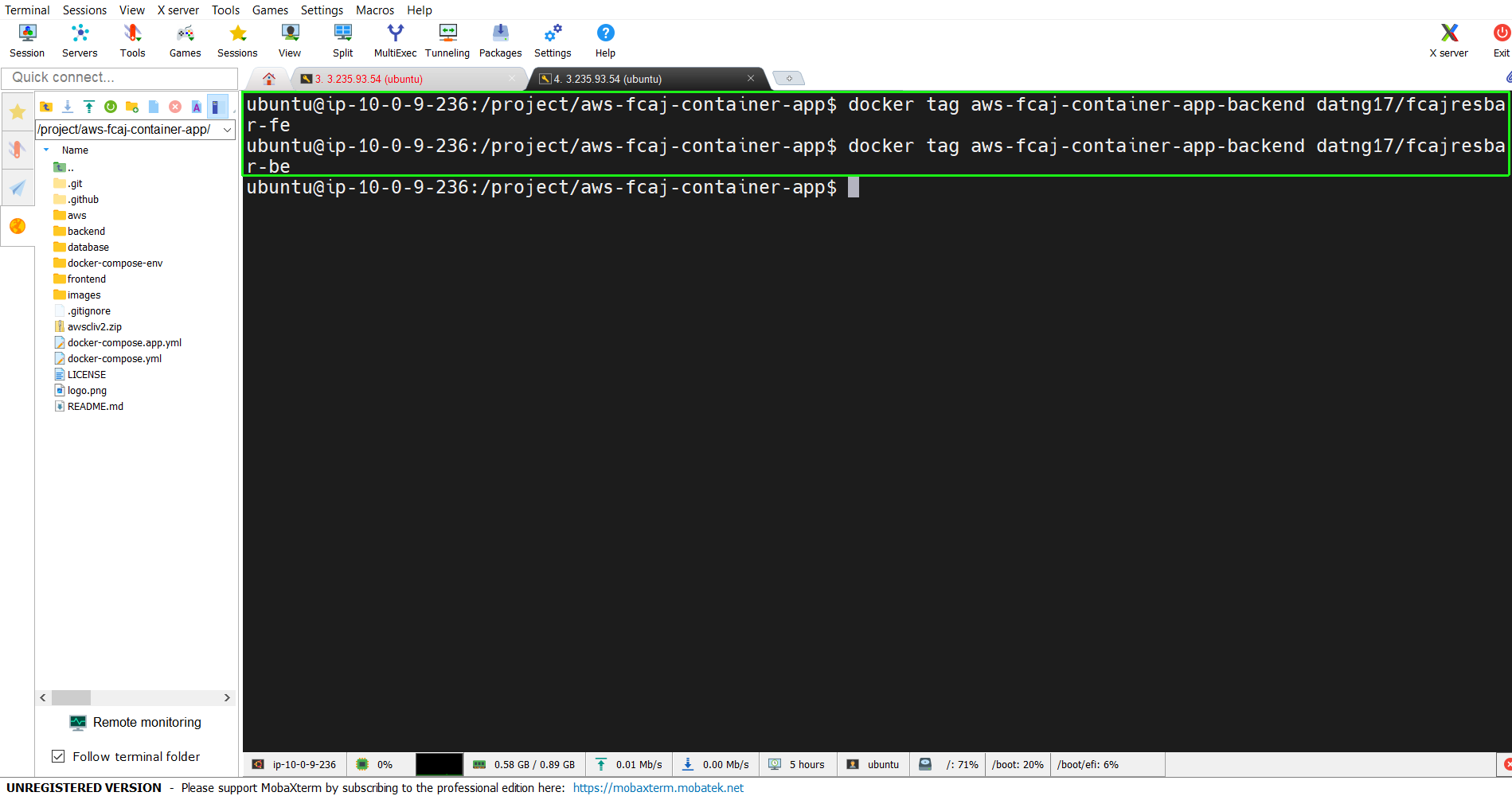
- Tag the Frontend Image and Backend Image
docker tag aws-fcaj-container-app-frontend <username>/aws-fcaj-container-app-frontend
docker tag aws-fcaj-container-app-backend <username>/aws-fcaj-container-app-backend
- Push the images to Docker Hub
docker push <username>/aws-fcaj-container-app-frontend
docker push <username>/aws-fcaj-container-app-backend
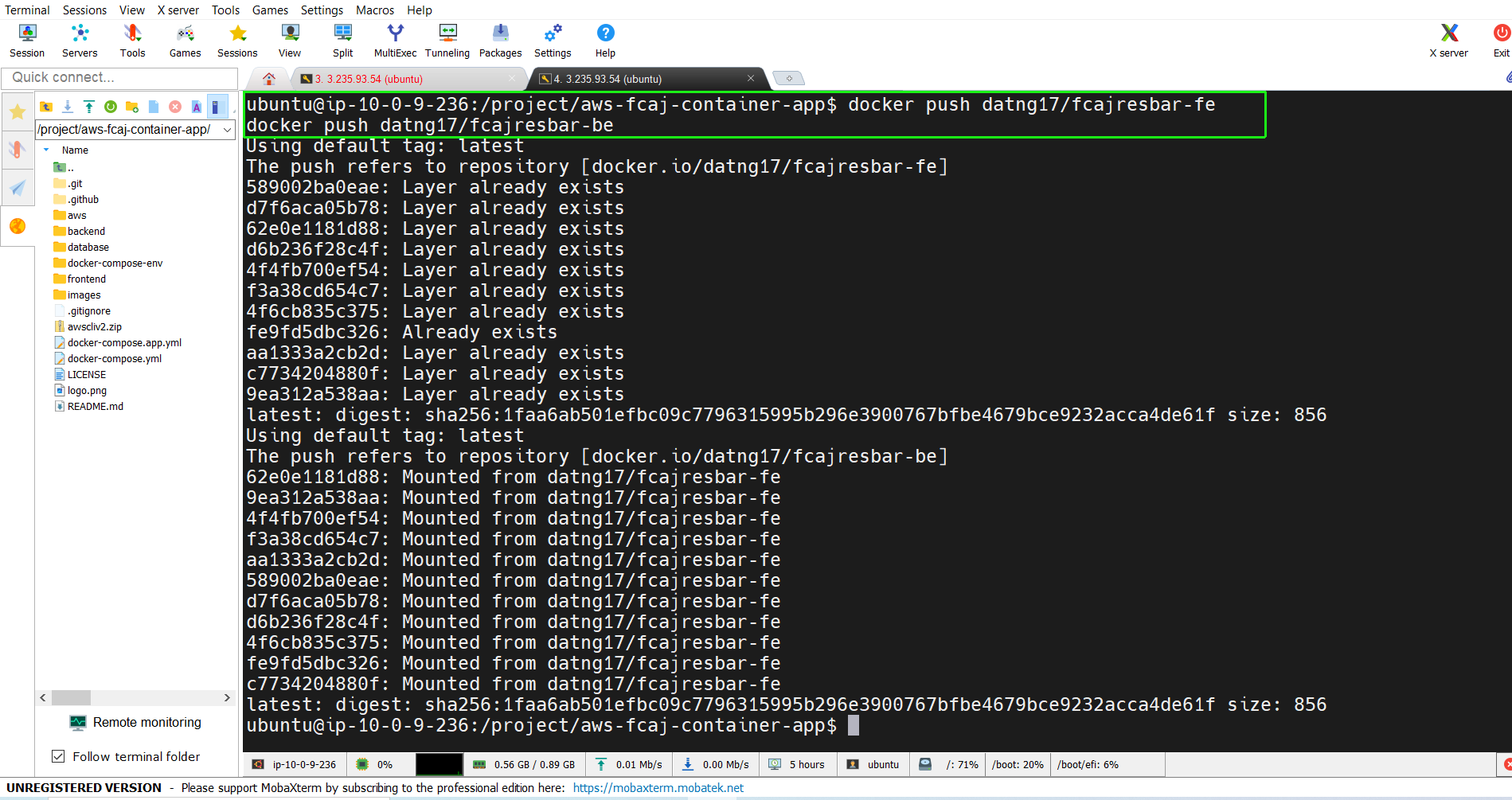
If we don’t specify a tag in the docker tag command, it will automatically add the latest tag to the image.
Results
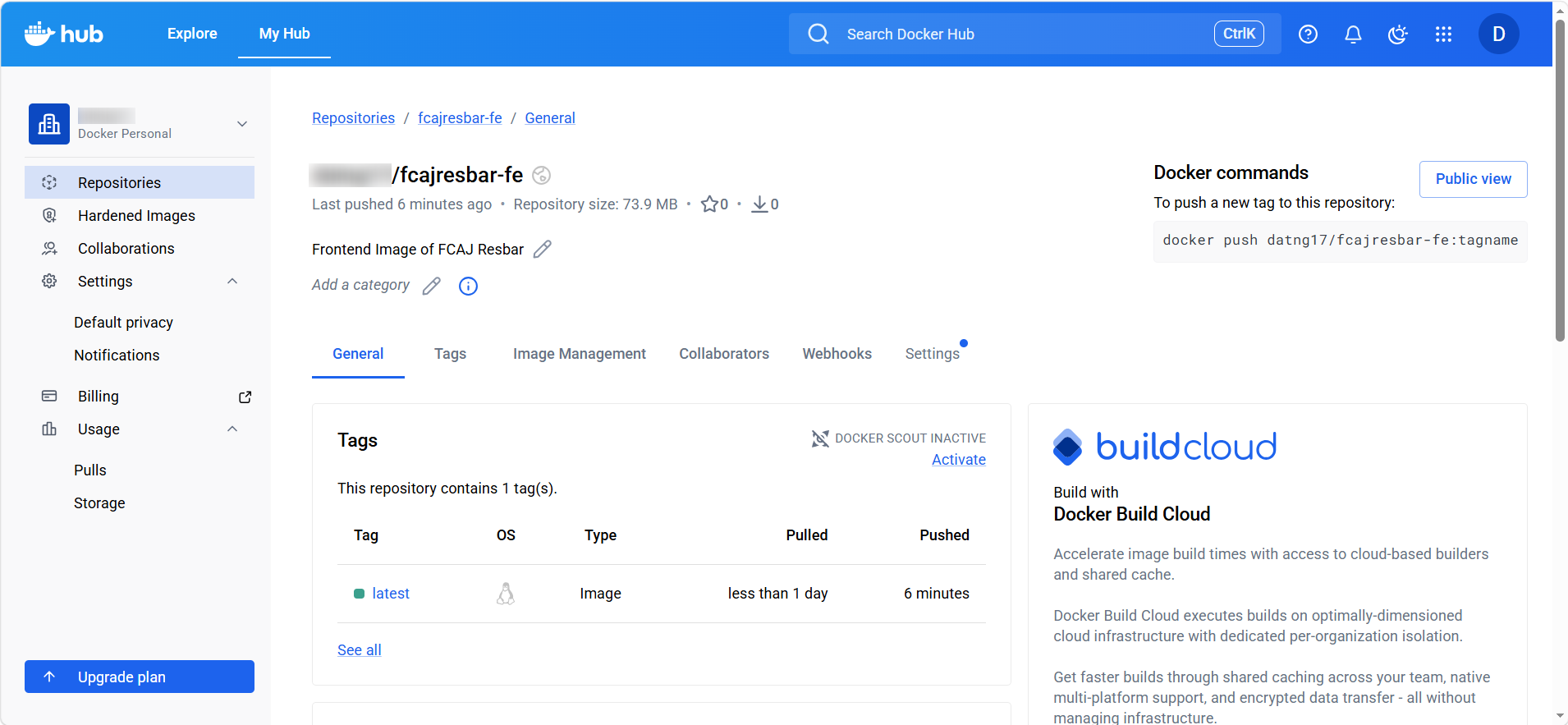
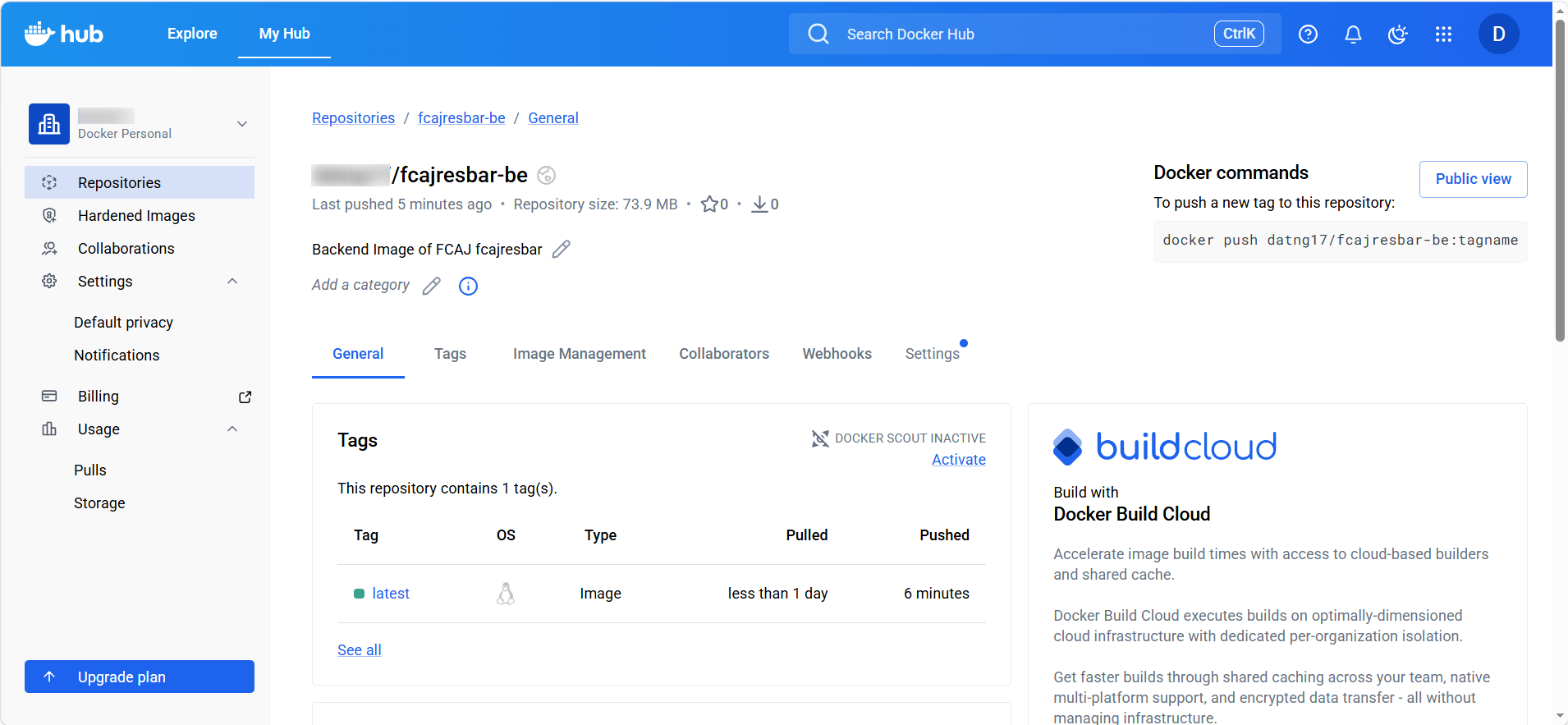
After pushing, we can see that the images have been pushed to their respective repositories.